
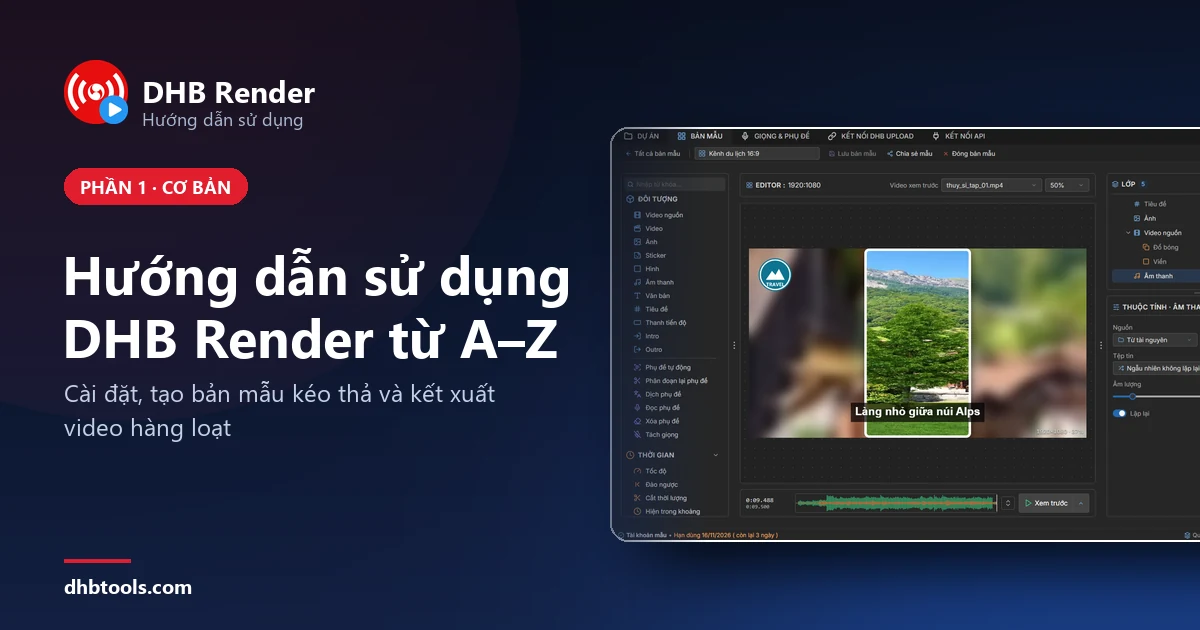
Hướng dẫn sử dụng DHB Render từ A–Z: cài đặt, tạo bản mẫu và kết xuất video hàng loạt
Làm theo từng bước có ảnh: cài DHB Render, tạo một bản mẫu có logo, tiêu đề, nhạc nền, rồi dùng nó kết xuất cả loạt video.
Làm theo từng bước có ảnh: cài DHB Render, tạo một bản mẫu có logo, tiêu đề, nhạc nền, rồi dùng nó kết xuất cả loạt video.
In this article, I’ll guide you step by step through setting up features, configuring APIs or AI models, and using the built-in filters in DHB Render to create, edit, and customize subtitles and translated subtitles
Resource is a feature that lets you randomly pull sources for videos, images, and audio for elements in a template When adding video, image, or audio elements from a file, when using the template
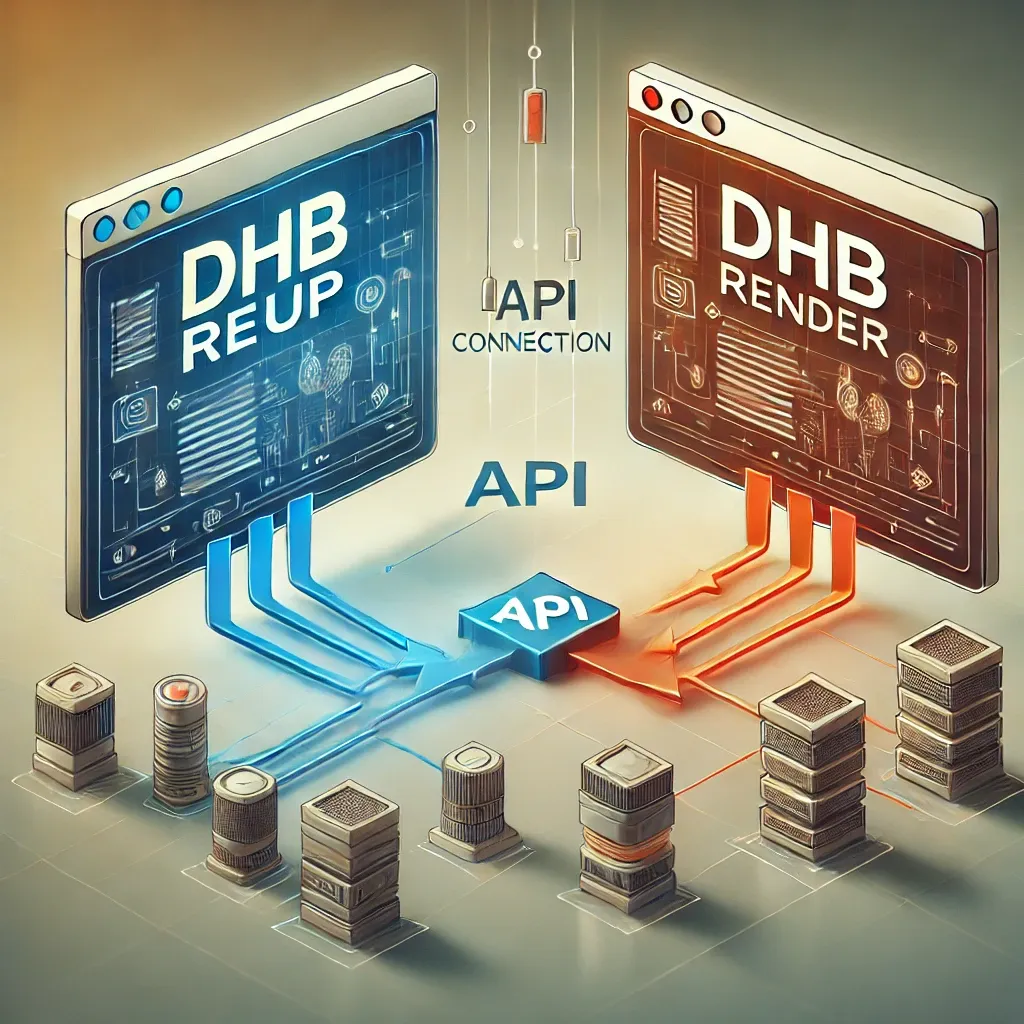
Connecting the API between DHB Upload software and DHB Render helps DHB Upload users easily use DHB Render video rendering templates directly inside DHB Upload software. 1. Get the Toke
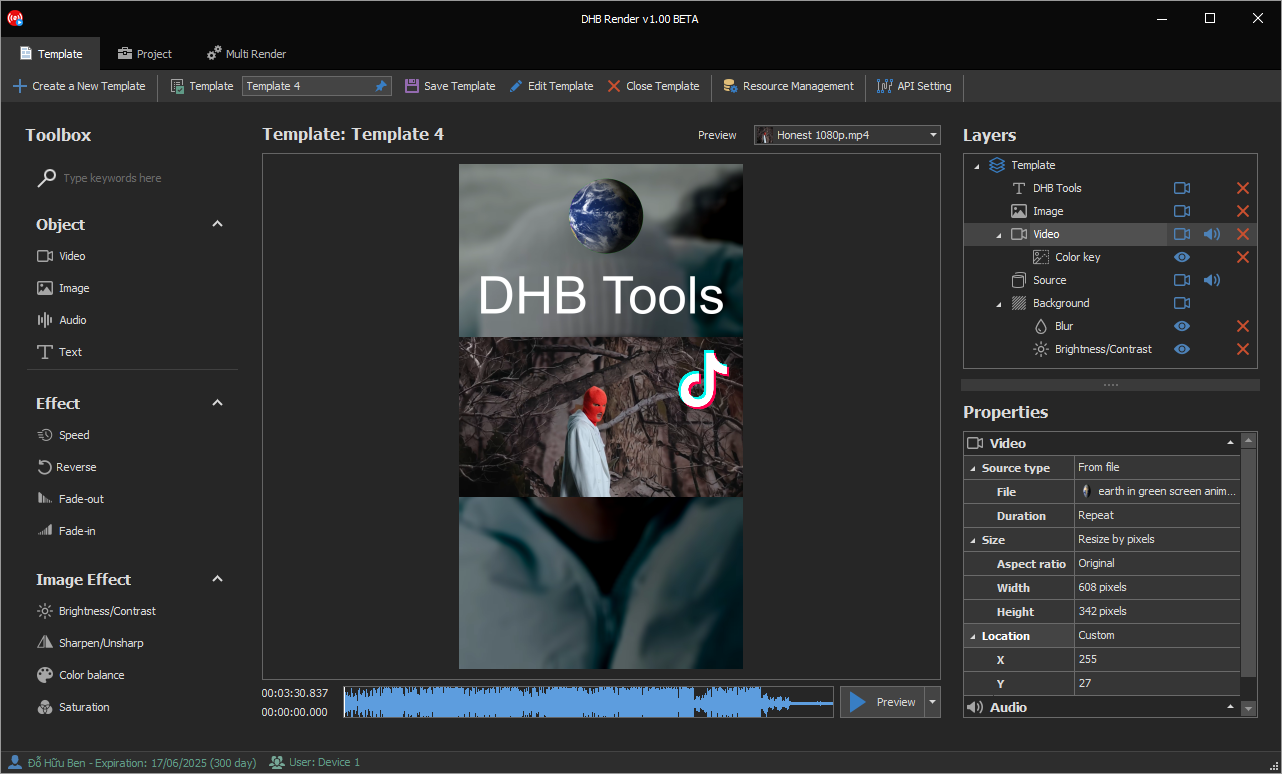
DHB Render is a powerful solution that helps you create video templates and render videos in bulk quickly. With an intuitive interface and a wide range of features, DHB Render supports you

To use this feature, your account must be a Pro account. Here are the steps to set up and run Render. After the rendering interface opens, select Render ClaimID. You can add
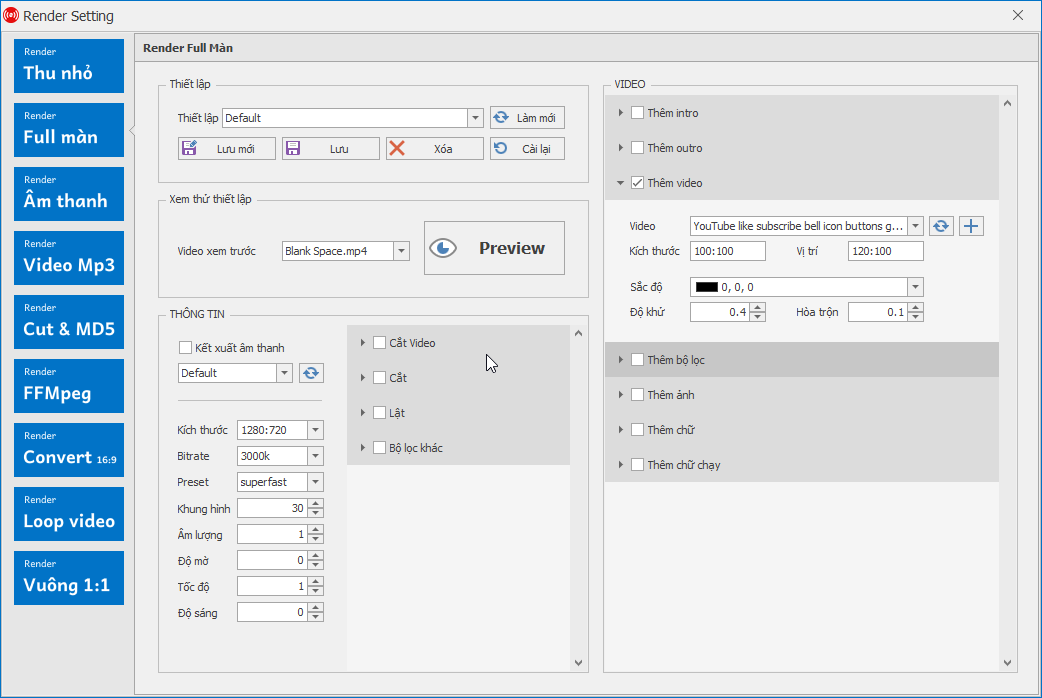
In this article, I’ll guide you through using the add video option in the Render section of the Upload tool for Upload Youtube and Upload Facebook. Let’s get started! Step 1: Go to Render settings and select Render

In this article, I’ll walk you through an in-depth guide to using the Render Setting feature in DHB Upload Youtube and DHB Upload Facebook To access the Render Setting configuration, you can choose one of
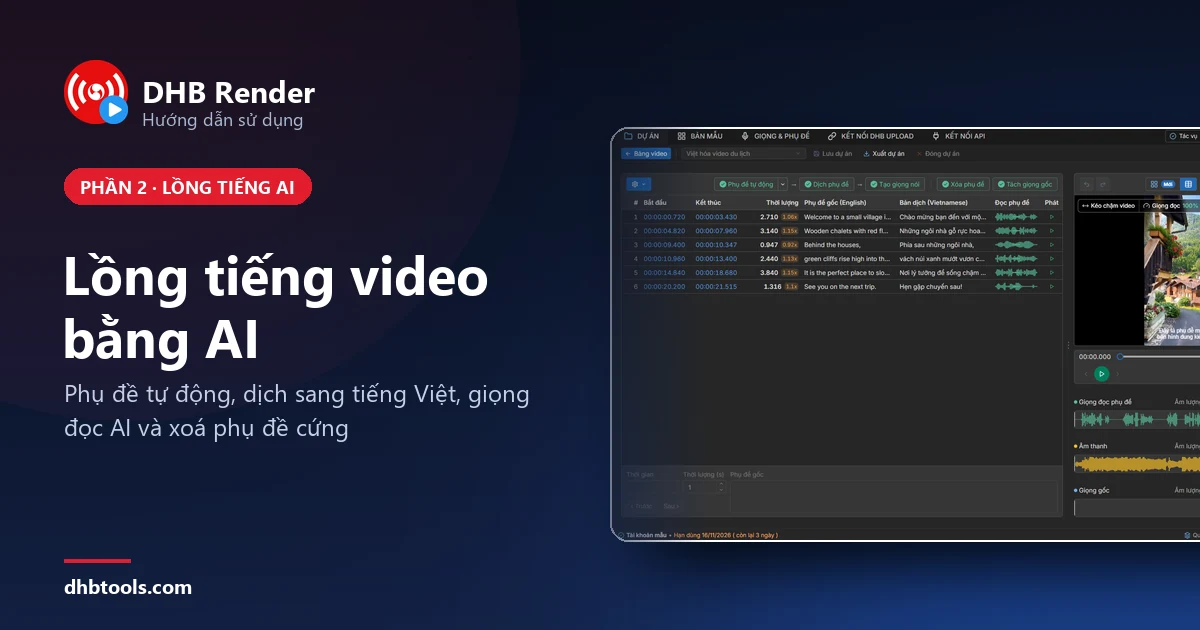
Từng bước có ảnh: bật dịch vụ AI, tạo bản mẫu lồng tiếng tiếng Việt, kết xuất video đầu tiên và sửa bản dịch trong DHB Render.
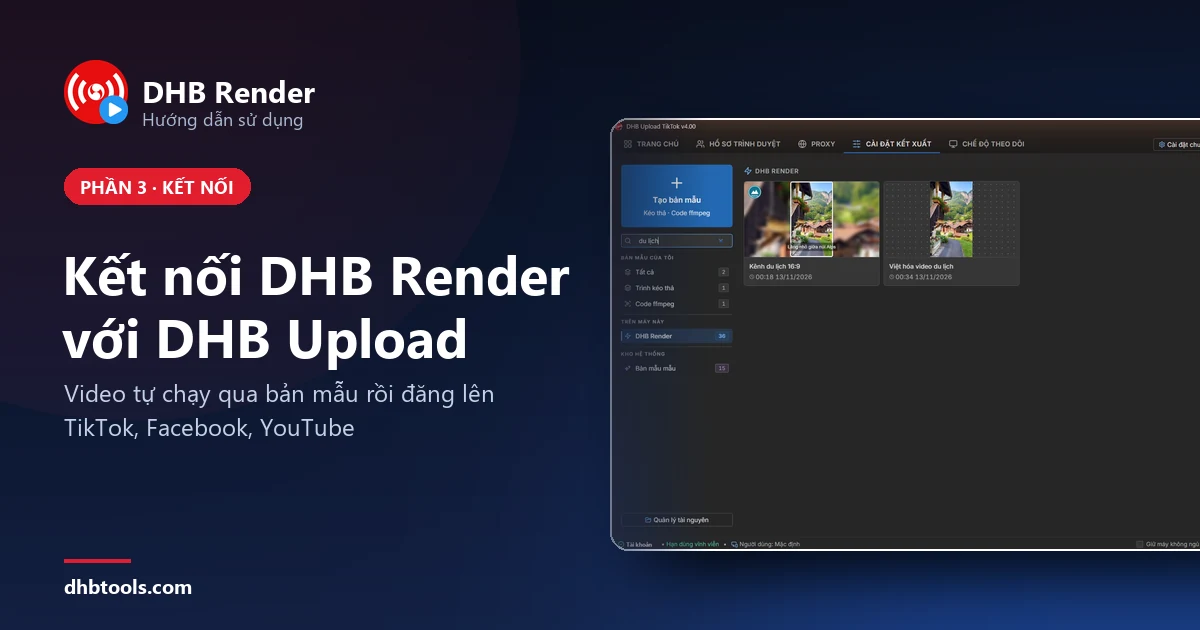
6 bước có ảnh để DHB Upload TikTok gửi video sang DHB Render xử lý theo bản mẫu, nhận lại thành phẩm rồi tự đăng lên kênh của bạn.
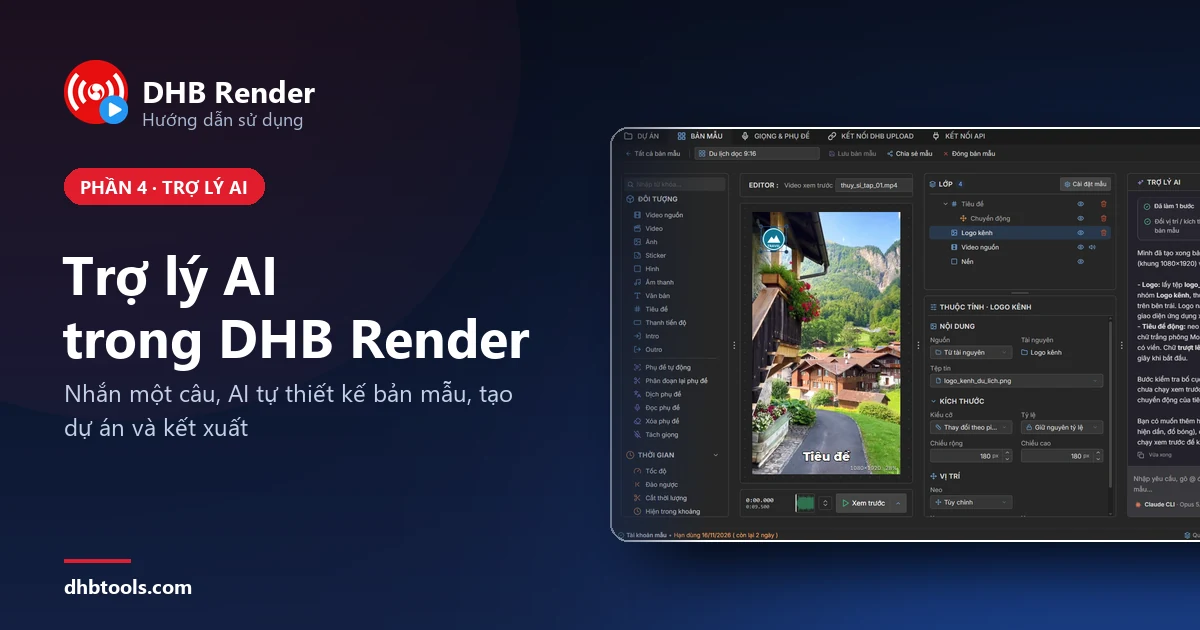
5 bước có ảnh và câu lệnh mẫu sao chép được: bật Trợ lý AI, nhờ AI tạo và chỉnh bản mẫu, tạo dự án rồi kết xuất video trong DHB Render.