From version 1.30 onward, the software supports uploading from Threads sources. Below are the steps to add a Threads account to the software for uploading!
Case 1: If you are already logged in
Tokens obtained from BM and Ads Manager are currently very prone to Checkpoint or Spam issues. This guide shows you how to get a full-permission Token for DHB Tools without running into those problems.
The software’s project save feature lets you save your post table for later reuse.
Select the Project tab at the top of the software to access the project feature.
To use this feature
To add an Instagram account using cookies in DHB Upload Instagram, follow these steps:
Log in to your Instagram account in a web browser.
Open Instagram Developer Tools by
To add a new Instagram account and create a profile with DHB Instagram software, you can follow these steps:
On the software interface, select Add account.
Continue on the newly opened interface
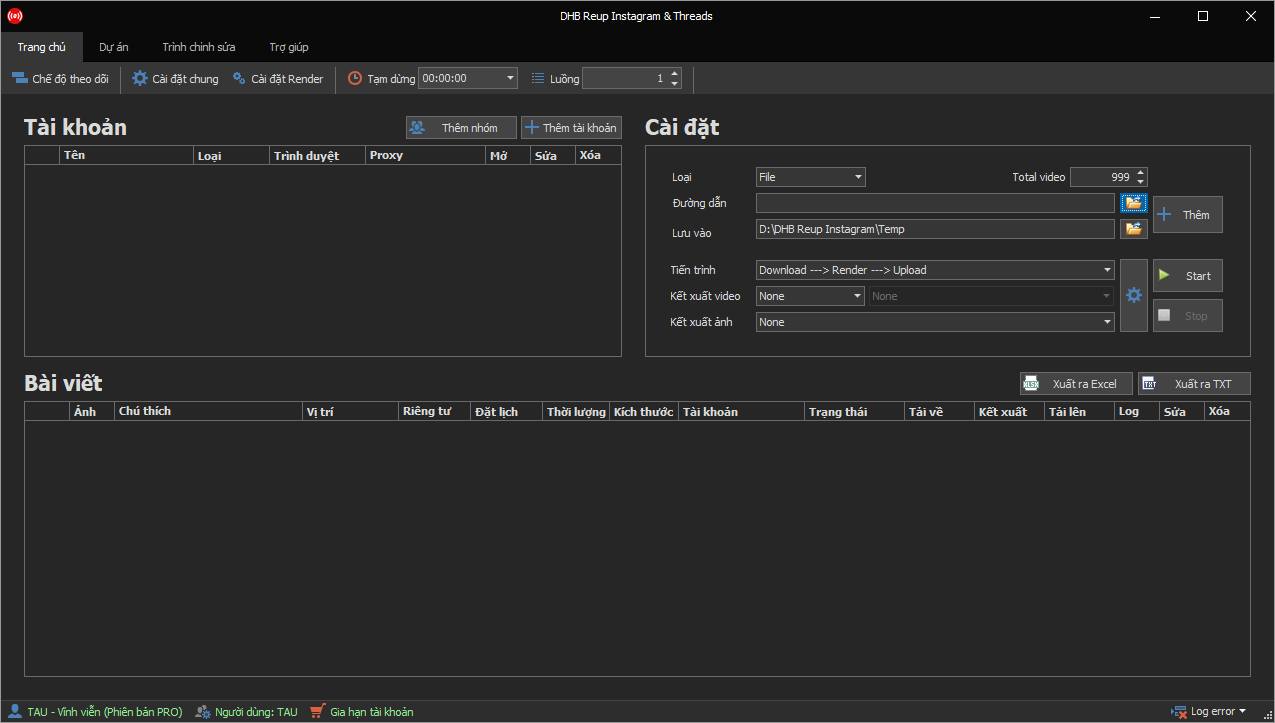
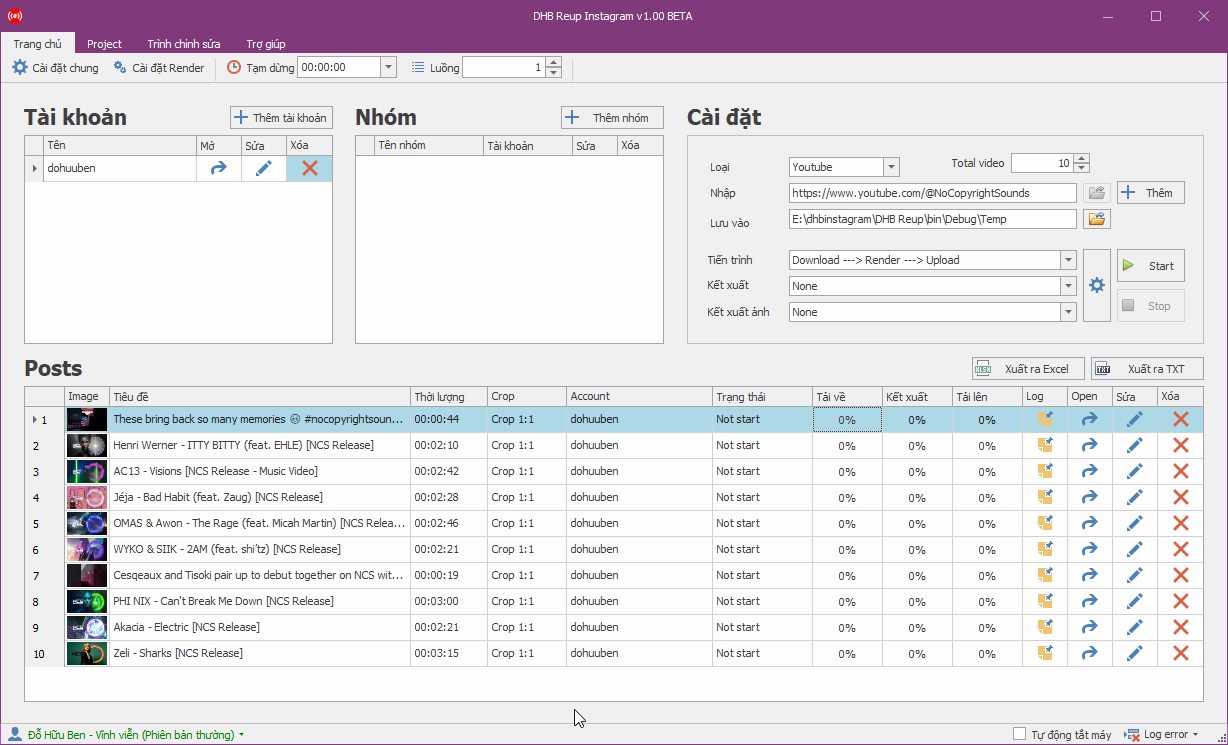
Before using the software, you should first get familiar with the interface. You can view the image below
Software User Guide
Step 1: Add an account to the software.
You l
Updates
1.6928/03/2026Latest
1.6928/03/2026Latest
DHB Upload Instagram & Threads v1.69
PerfImproved source-video processing
PerfImproved source-video processing
1.6819/01/2026
1.6819/01/2026
DHB Upload Instagram & Threads v1.68
PerfImproved Threads upload with albums
PerfImproved source-video processing
PerfImproved source-video processing
1.6715/01/2026
1.6715/01/2026
DHB Upload Instagram & Threads v1.67
PerfImproved source-video processing
1.6603/01/2026
1.6603/01/2026
DHB Upload Instagram & Threads v1.66
PerfImproved post editing when jumping between rows
FAQ
Frequently asked questions
Can't find your question?Ask our support team in chat.
It is a Windows app that helps you publish your own content to both Instagram and Threads in bulk, across many accounts, from a single interface. It supports photos, videos, Reels and Carousels on Instagram, plus posts with media or text-only posts on Threads, with each account running on its own browser profile.
Standard already includes posting to Instagram and Threads, posting to both at once, bulk scheduling, AI translation and rewriting, and importing from files, folders and link lists. Pro adds advanced content sources, FFmpeg-based render customization, Merge Video and Monitor mode. See the pricing table on this page for prices.
See the pricing table on this page for plans and durations.
It runs on Windows and needs a machine with enough RAM and CPU (more threads or heavy videos need a stronger machine). You need a browser for the software to control (bundled Firefox or Chrome Portable, installed Chrome, or GoLogin/GPMLogin), your own Instagram/Threads accounts and, ideally, a suitable proxy. FFmpeg for rendering is bundled, and account and profile data is stored on your machine.
You have two ways: paste the account's login cookie, or open a software-managed browser profile and log in directly so the session is saved in that account's own profile. The software has a button to check whether the cookie or profile is still alive, and login data is stored locally on your machine.
You can publish single photos, videos, Reels and Carousel posts with up to 20 photos or videos. When posting you can pick the frame size Original, 1:1, 4:5, 16:9 or 9:16 and tag a location on the post.
You can publish posts with photos or videos and text-only posts (Status, no media file needed), and you can tag a location. A caption that is too long is auto-trimmed to fit the Threads character limit.
Yes. When adding an account, you choose its channel type as Instagram or Threads. In a single publishing run you can select multiple target accounts — including both Instagram and Threads channels — and the software will publish your content to each in turn. This lets you take advantage of Meta's shared-account ecosystem.
Yes, you load many items into a list and publish to many accounts, running several threads in parallel with the thread count set in Settings. The software has quick tools to split captions, split channels by group and split proxies, plus an option to hide the browser while running.
If a cookie or profile has expired, use the check button and log in again through the profile. A wrong file format is reported and skipped, so turn on re-rendering to standardize it, and on Your post could not be shared the software retries a few times before flagging that item. If a profile is logged into the wrong account, check the matching proxy and profile.
The software drives a real browser (Firefox or Chrome) with Playwright and works on the web interface the way you would post by hand. Because it works on the web interface, a software update may be needed when Instagram or Threads change their layout.
Create a profile and add an account (the software opens a browser for you to log in to Instagram), add content to the table, edit it and pick the account, then choose the render configuration and start so the software opens a browser and publishes. The steps with screenshots are in the usage guide.
Yes, the plan comparison on the product page states that both plans run on a personal computer or a VPS.
Yes, click the project tab at the top, save the post table as a project, then open it later to load all its posts. You need at least one video in the table to save, and if a run is not finished you can save the project again to keep your progress.
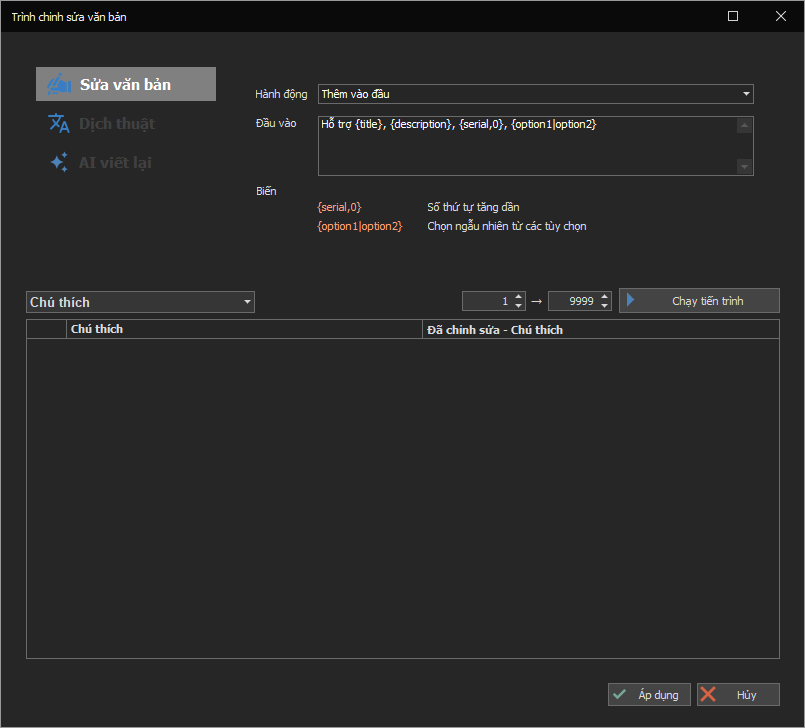
Yes, the product page states the software supports bulk editing of titles, descriptions and keywords, AI translation, spreading posting times and AI keyword optimization.
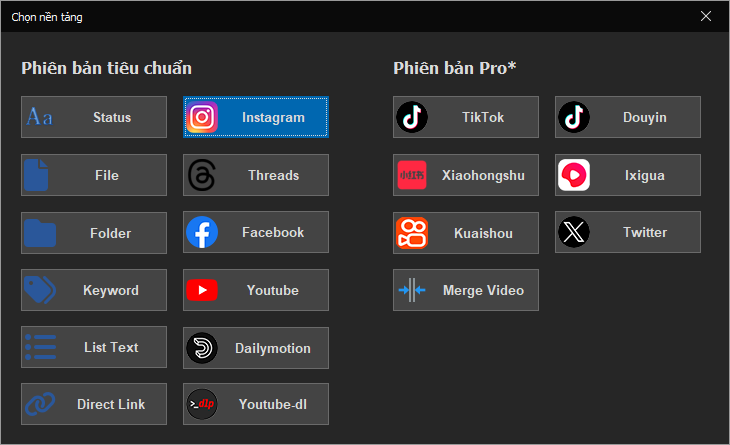
Per the product page, Pro unlocks the advanced sources: TikTok, Douyin, Ixigua, Kuaishou, Xiaohongshu, BiliBili and Twitter (X). Standard imports quickly from files, folders or link lists. Use only your own content or content you have rights to.
No, Merge Video (joining multiple videos) and Monitor (watching a source to publish automatically) are Pro-only features.
Each account runs on its own browser profile to keep login sessions separate. A profile can be bundled Firefox Portable or Chrome Portable, Chrome installed on the machine, or GoLogin, GPMLogin or DHB GoLogin Manager, and the Chrome Portable profile only supports posting images.
Log in to Instagram in a browser, open F12, go to the Network tab, reload the page and copy the Cookie value in the Headers of the request to www.instagram.com. Then in the software choose Thêm tài khoản, then Thêm kênh từ Cookie, and paste it.
Cookies can expire. Click Mở to check the account, then click Sửa to replace it with a new cookie.
You need version 1.30 or later. Add a new account, set the account type to Threads, choose the Instagram profile you already logged in (or log in a new profile in the window that appears), then click Save.
Choose to add an account, click OK and log in to Instagram in the browser window that appears. When a success message shows, click Save to store the profile name, and the account then appears in the accounts section of the main screen.
To add posts from YouTube, Facebook, Instagram or Ixigua you must first enter an API key or cookie in the general settings. For Facebook sources you need to add both a Token and a Cookie.
Each post item has its own caption field for the text and hashtags, and the software types it into the caption box when publishing. On Instagram a caption is limited to 2,200 characters, while on Threads the software auto-trims it to fit the Threads limit.
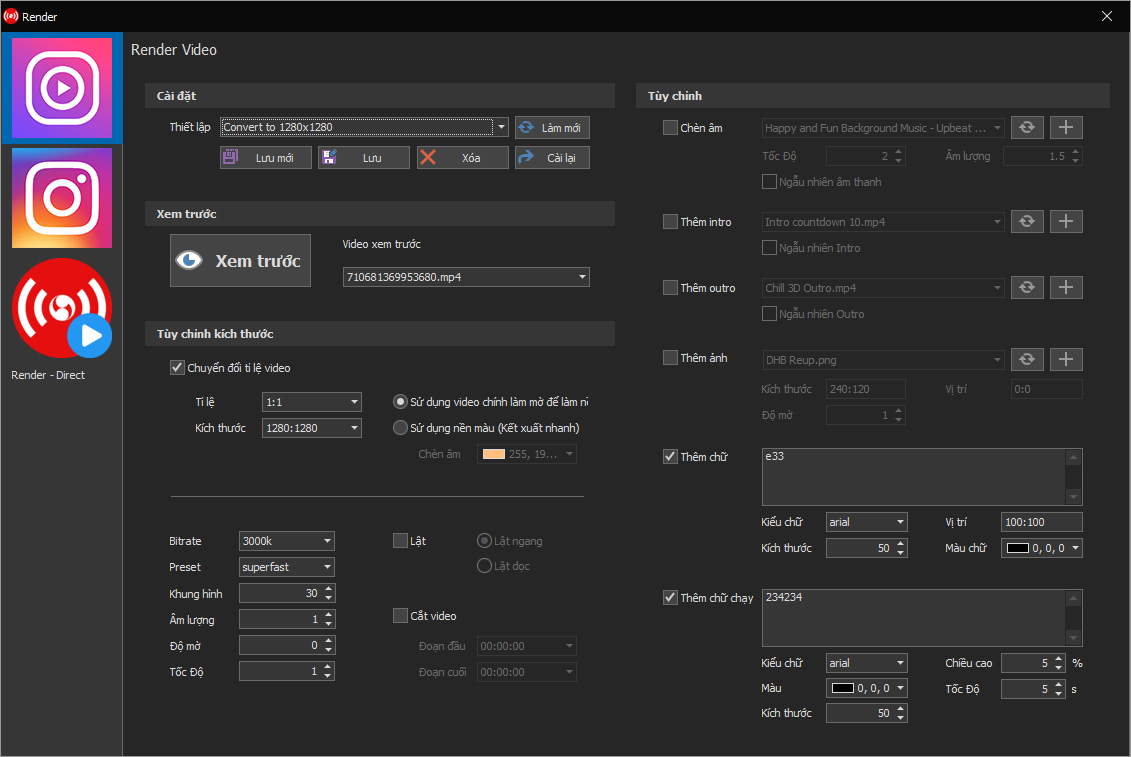
Yes, as an option: the software re-renders the video with FFmpeg before posting to standardize its format for Instagram and Threads, with processing such as trimming, changing the aspect ratio and handling the thumbnail. You can turn it on or off in Settings.
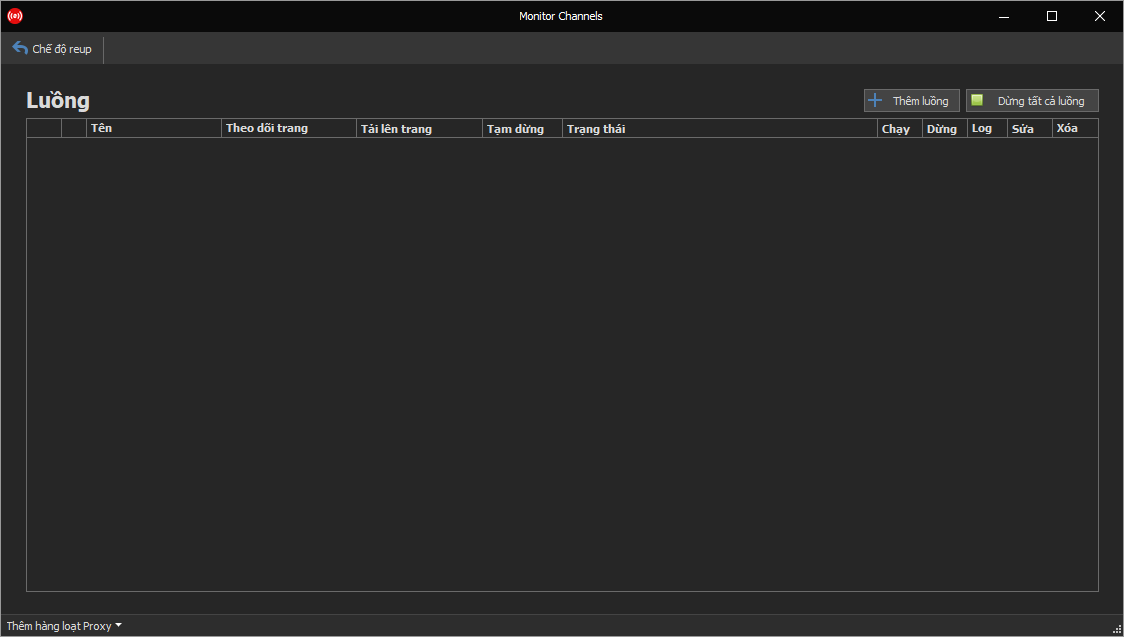
Monitor is a Pro feature: you set a source channel, a target channel and a delay interval, and the software checks periodically and publishes automatically per that setup. Use it only for your own content or content you have rights to.
Yes, each account can use its own HTTP, SOCKS4 or SOCKS5 proxy. A check button shows the proxy's IP, country, city and timezone, and for GoLogin or DHB GoLogin Manager profiles the software can auto-sync the proxy already set in the profile.
The software works in a real browser with a separate profile per account, but no tool can guarantee absolute safety. Use your own accounts, a suitable proxy and a reasonable posting frequency.
Turn on the out-of-memory fix option in Settings and reduce the number of threads.
It may, because the software works on the web interface rather than hidden APIs, so an update may be needed when Instagram or Threads change their layout. Updates are listed in the changelog on the product page.