
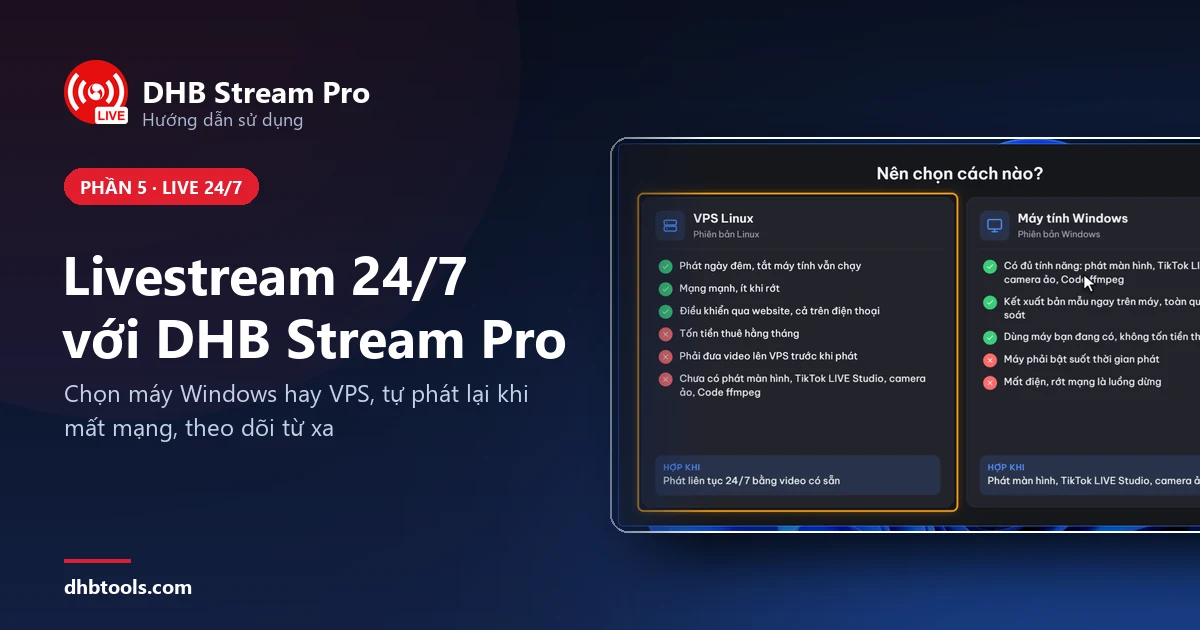
Hướng dẫn livestream 24/7 với DHB Stream Pro: chọn máy Windows hay VPS Linux
Chuẩn bị gì, chọn máy Windows hay VPS Linux, cài luồng phát lặp và theo dõi từ xa để livestream 24/7 bằng DHB Stream Pro.
Chuẩn bị gì, chọn máy Windows hay VPS Linux, cài luồng phát lặp và theo dõi từ xa để livestream 24/7 bằng DHB Stream Pro.
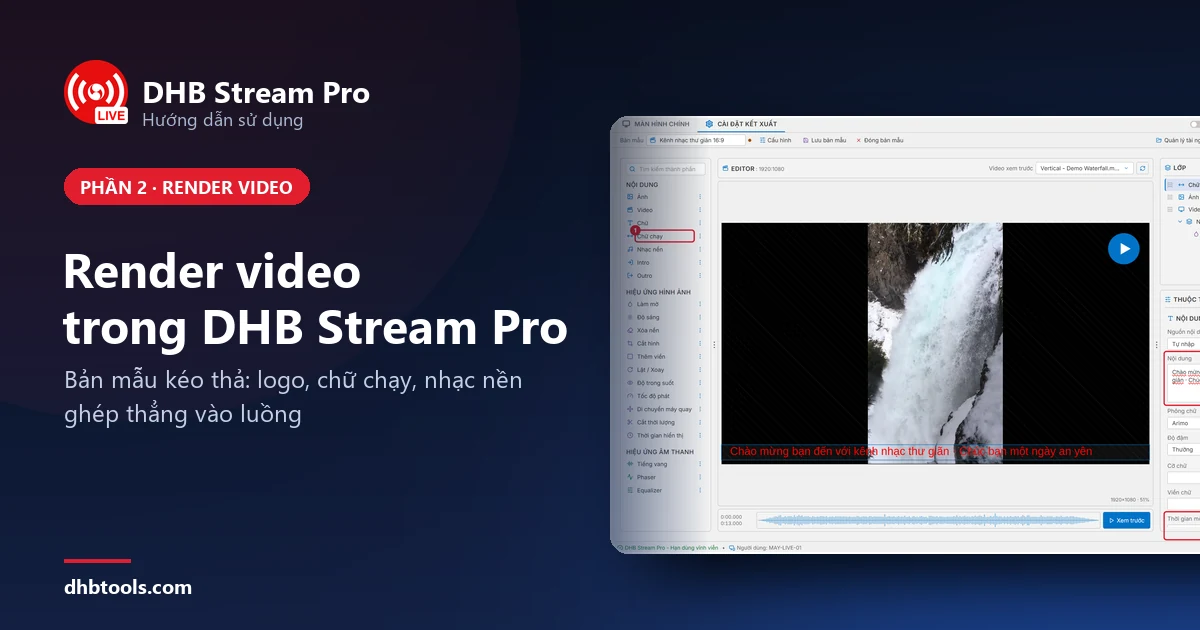
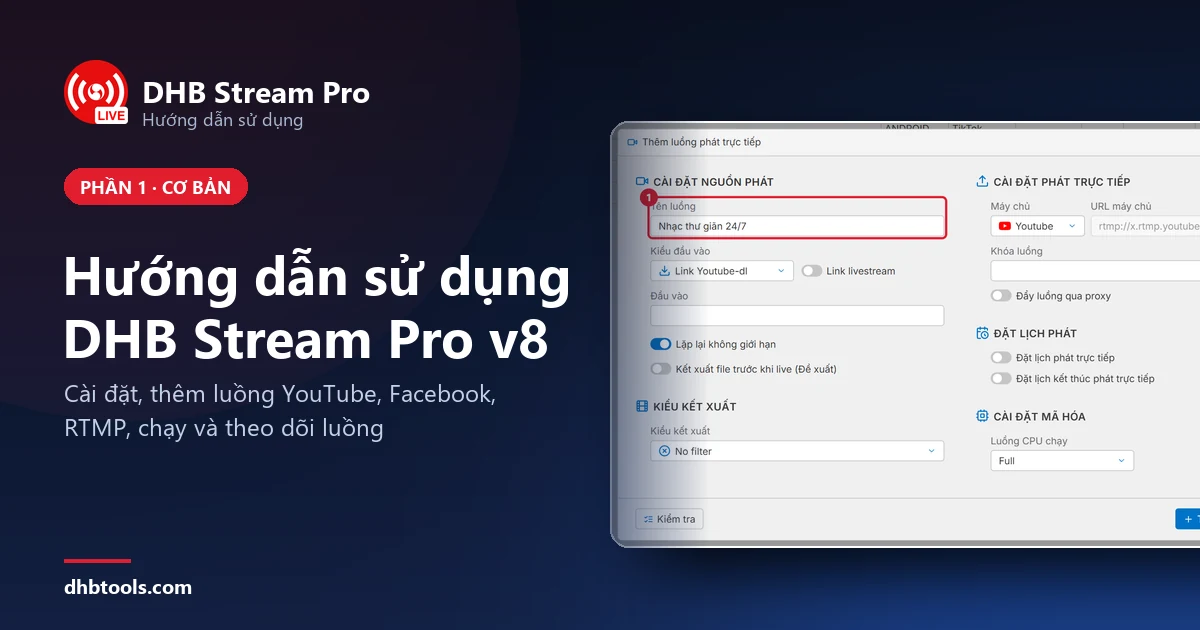
Làm theo 13 bước có ảnh để livestream video đầu tiên từ máy tính lên YouTube bằng DHB Stream Pro V8. Các chức năng khác nằm trong phần nâng cao.
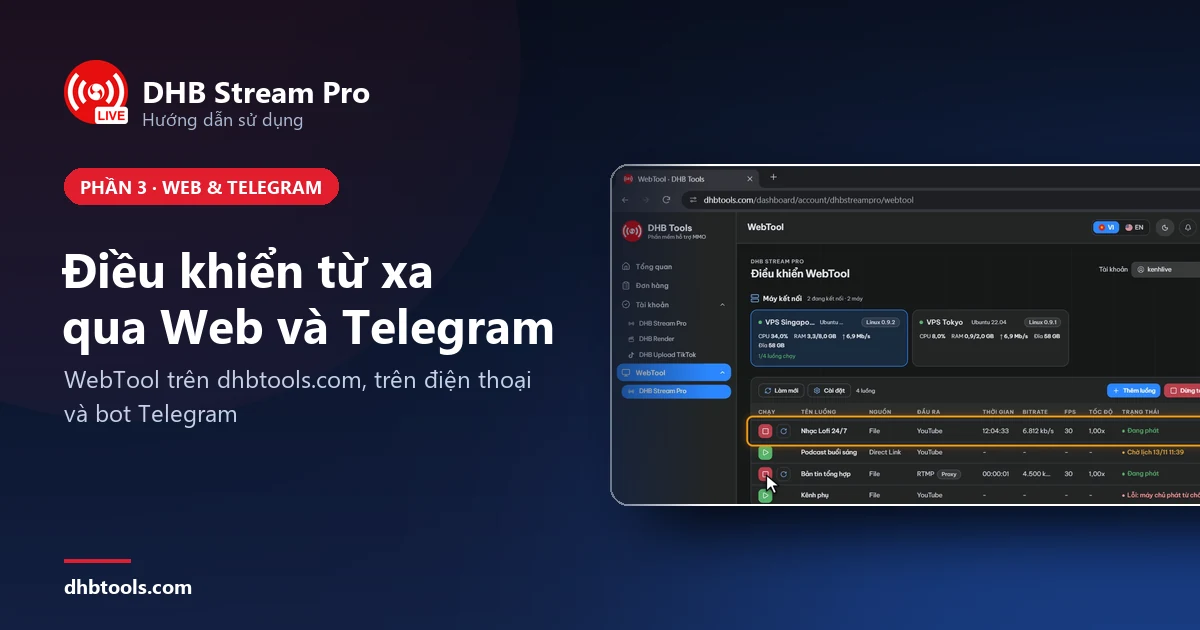
Kết nối máy với WebTool để chạy, dừng luồng DHB Stream Pro từ trình duyệt hoặc điện thoại, rồi kết nối Telegram để nhận cảnh báo khi luồng có chuyện.
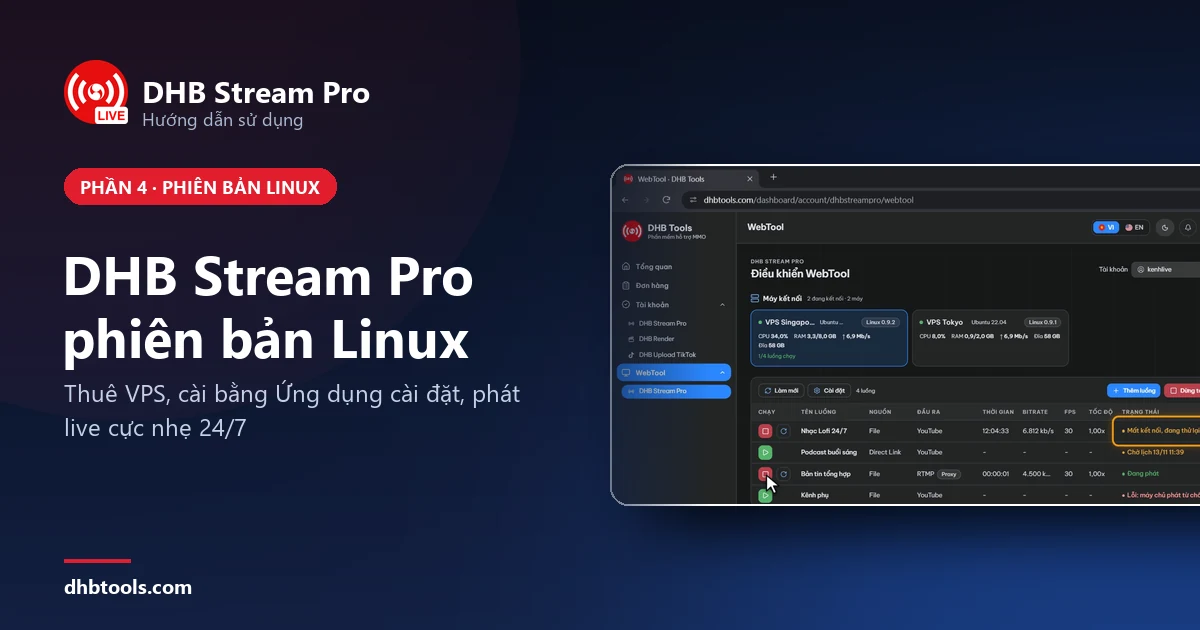
Hướng dẫn từng bước có ảnh: chuẩn bị VPS, thêm VPS trên WebTool, cài và ghép nối, tạo luồng, bắt đầu livestream 24/7 với DHB Stream Pro phiên bản Linux.
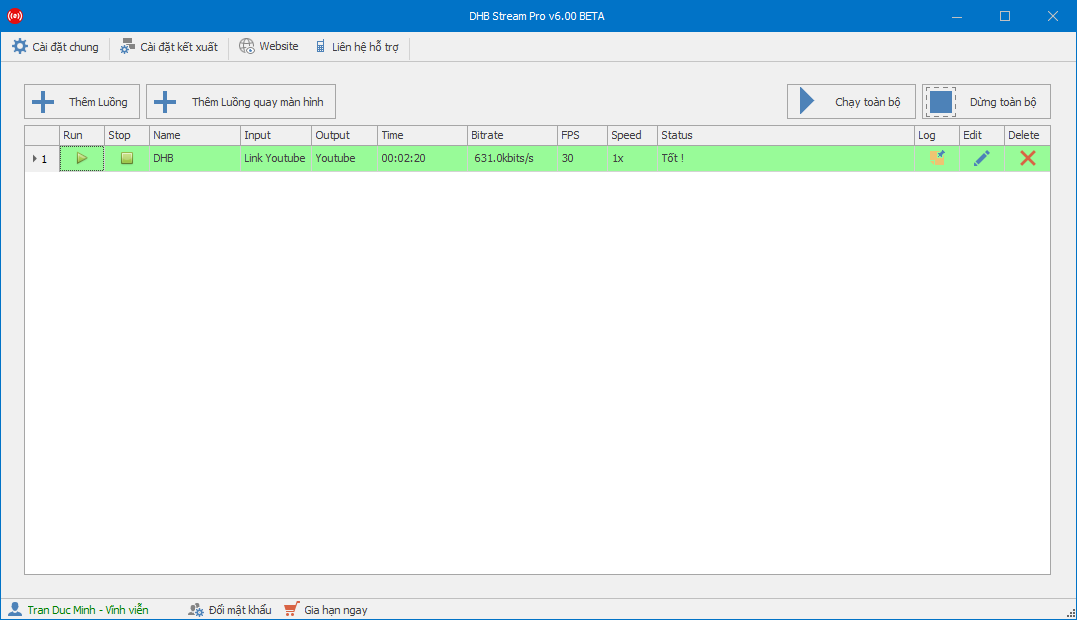
In this article, I’ll show you how to livestream on Youtube. For other platforms that use a stream key, you can follow the same steps. Step 1: Add a stream to start Live- Create a Live stream and get the stream key
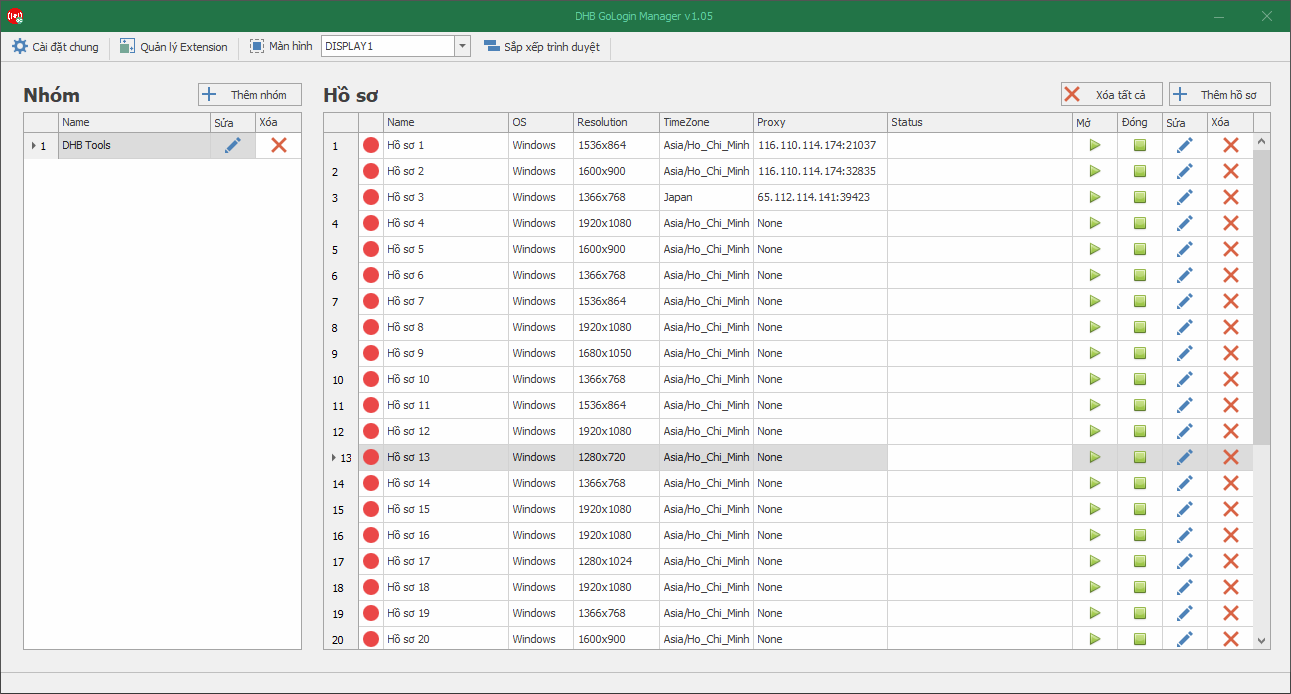
As you may know, we can no longer livestream multiple streams on YouTube using the old method, so in this guide I’ll show you how to create multiple YouTube live streams. Please note that this article is for users

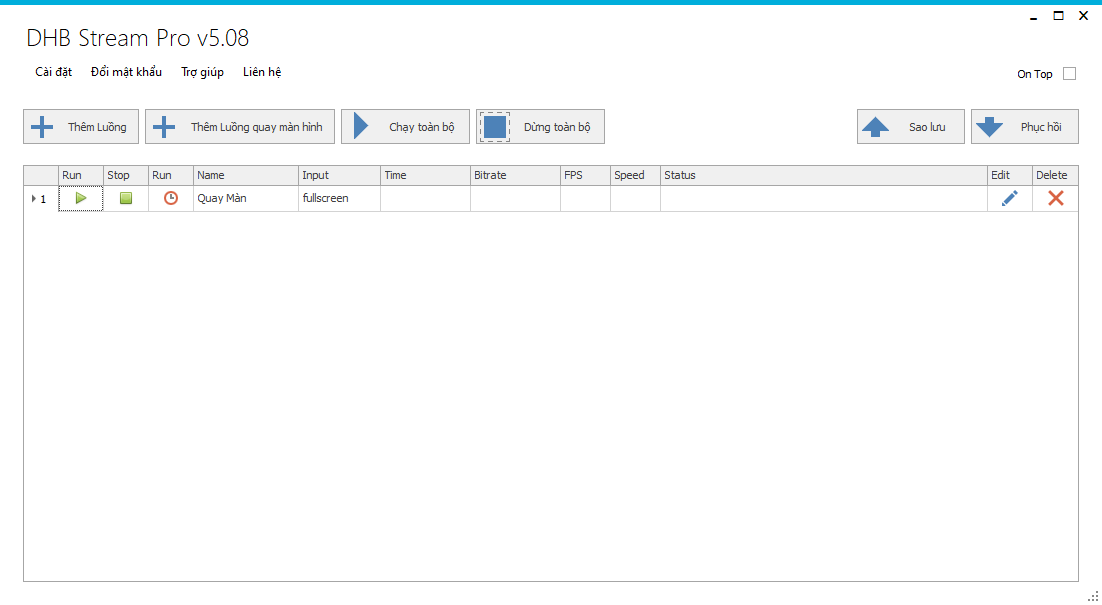
Hello everyone! This article will guide you through using the screen recording feature in the DHB Stream Pro tool First, to record your screen, you need to install the "Screen-recorder-devices.e
In this article, I’ll guide you through using DHB Stream Pro Version 5, the latest version currently available. Later versions work in a similar way. DHB Stream Pro is software for livestreaming videos to Youtube,