
Video posting, livestream and rendering software for creators
Automated from video editing to channel upload.
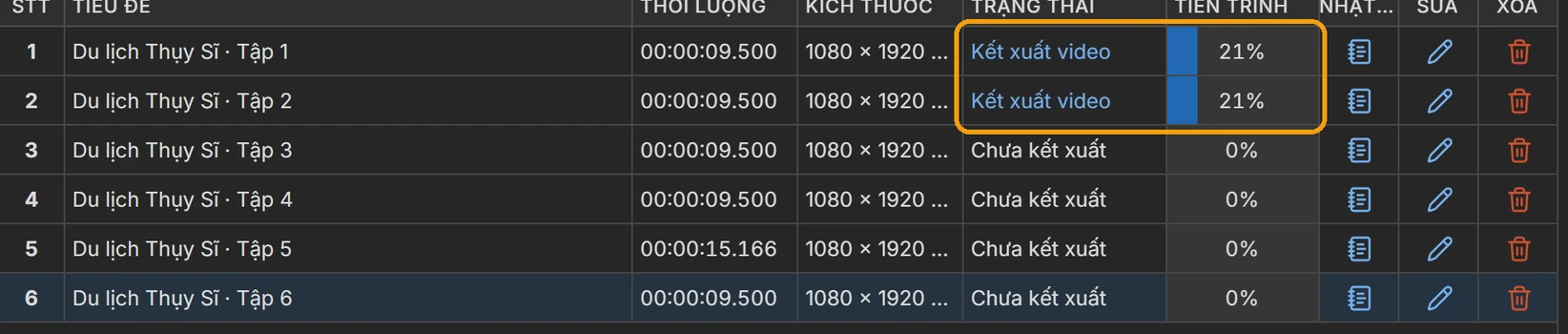
Batch-render videos, publish to YouTube, Facebook, TikTok and Instagram, and livestream 24/7.
What do you need to do?
Edit and process video
In batches, from templates
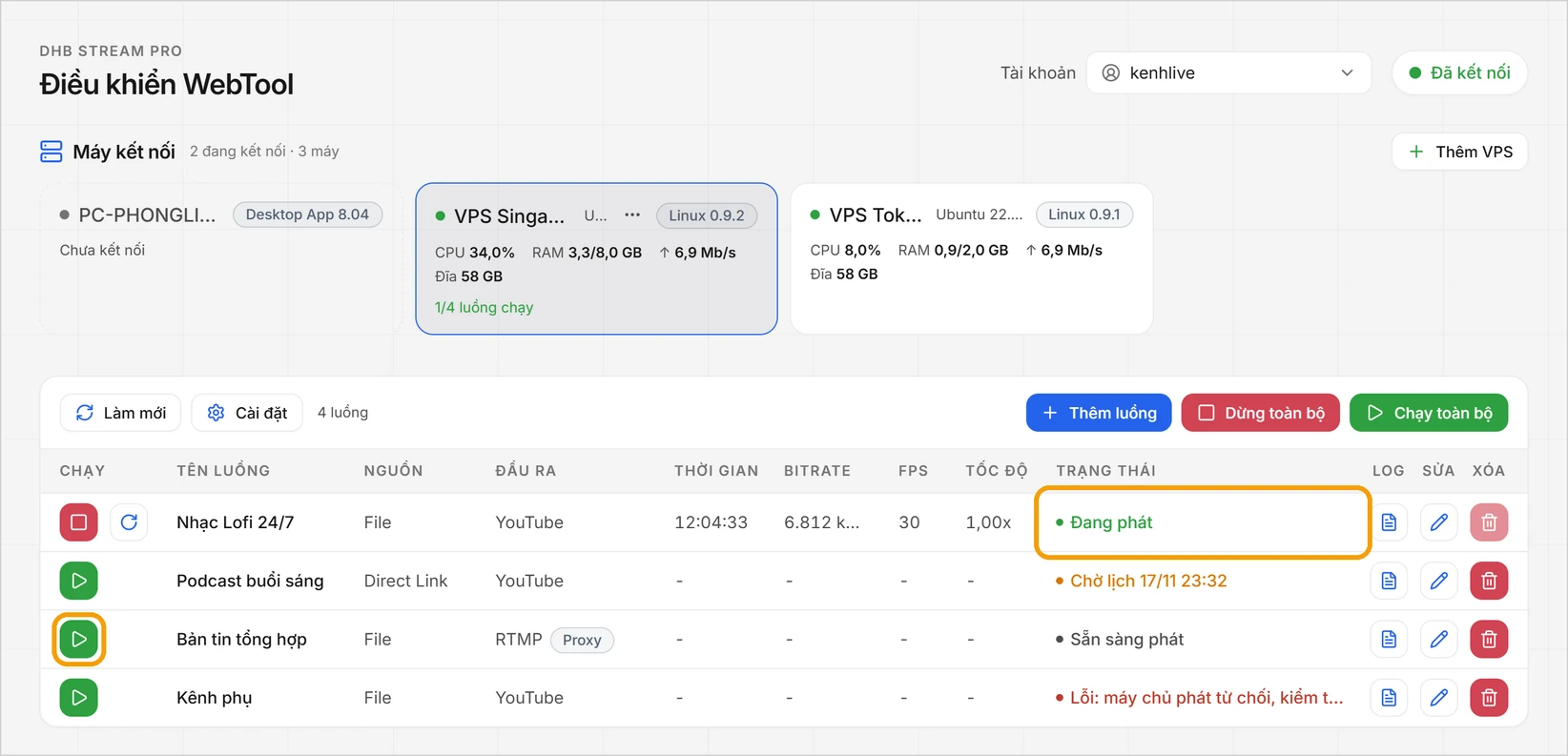
Livestream
Many streams, running non-stop
Publish to your channels
Captions, scheduling, many channels
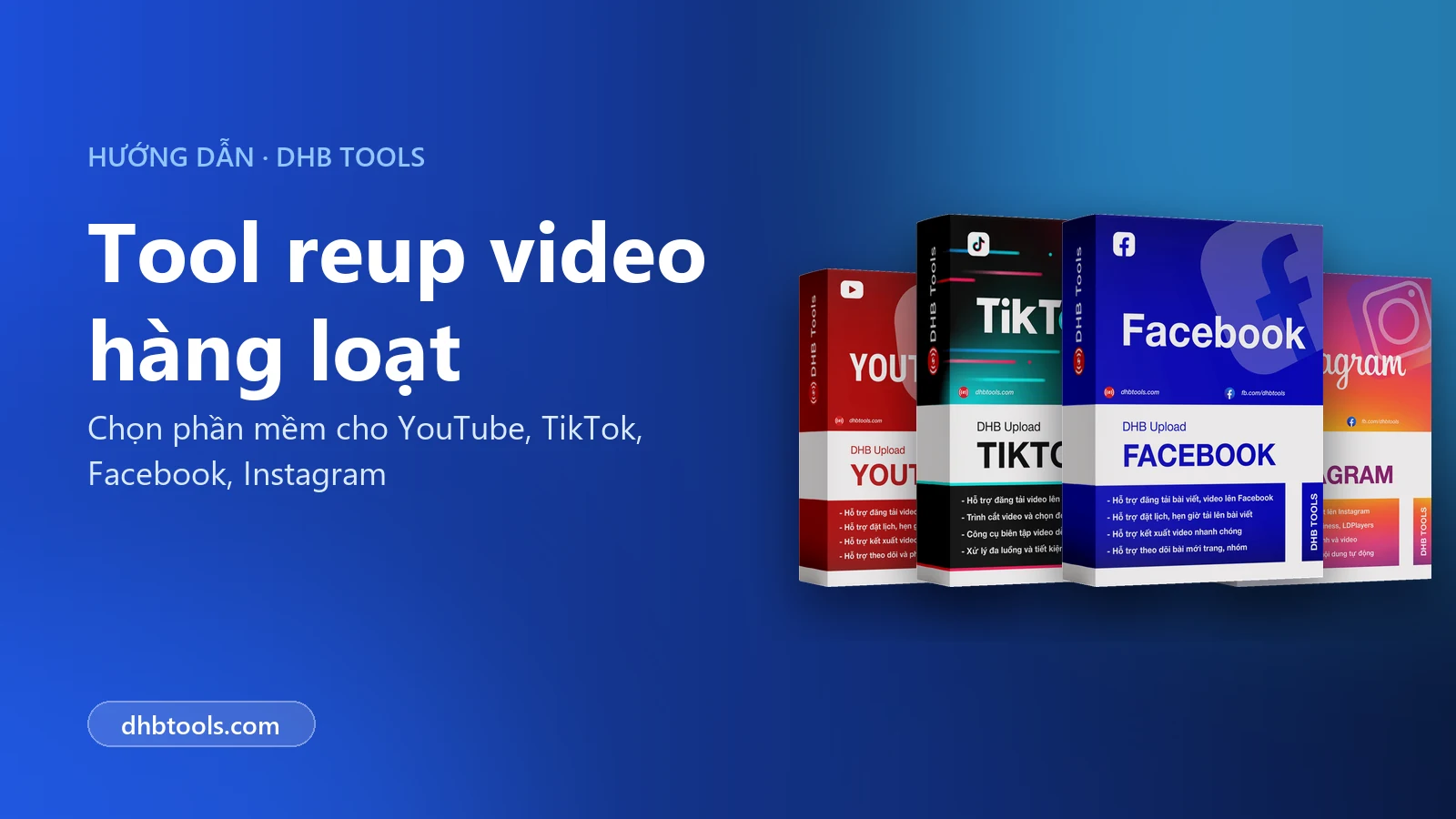
 DHB Upload YoutubeHelps you prepare videos, write metadata, schedule posts, and upload to YouTube.View details
 DHB Upload FacebookHelps you prepare videos, write captions, schedule posts, and publish to Facebook (Profile, Fanpage, Group, Reels).View details
 DHB Upload Instagram & ThreadsHelps you prepare content, write captions, schedule posts, and publish to Instagram & Threads.View details
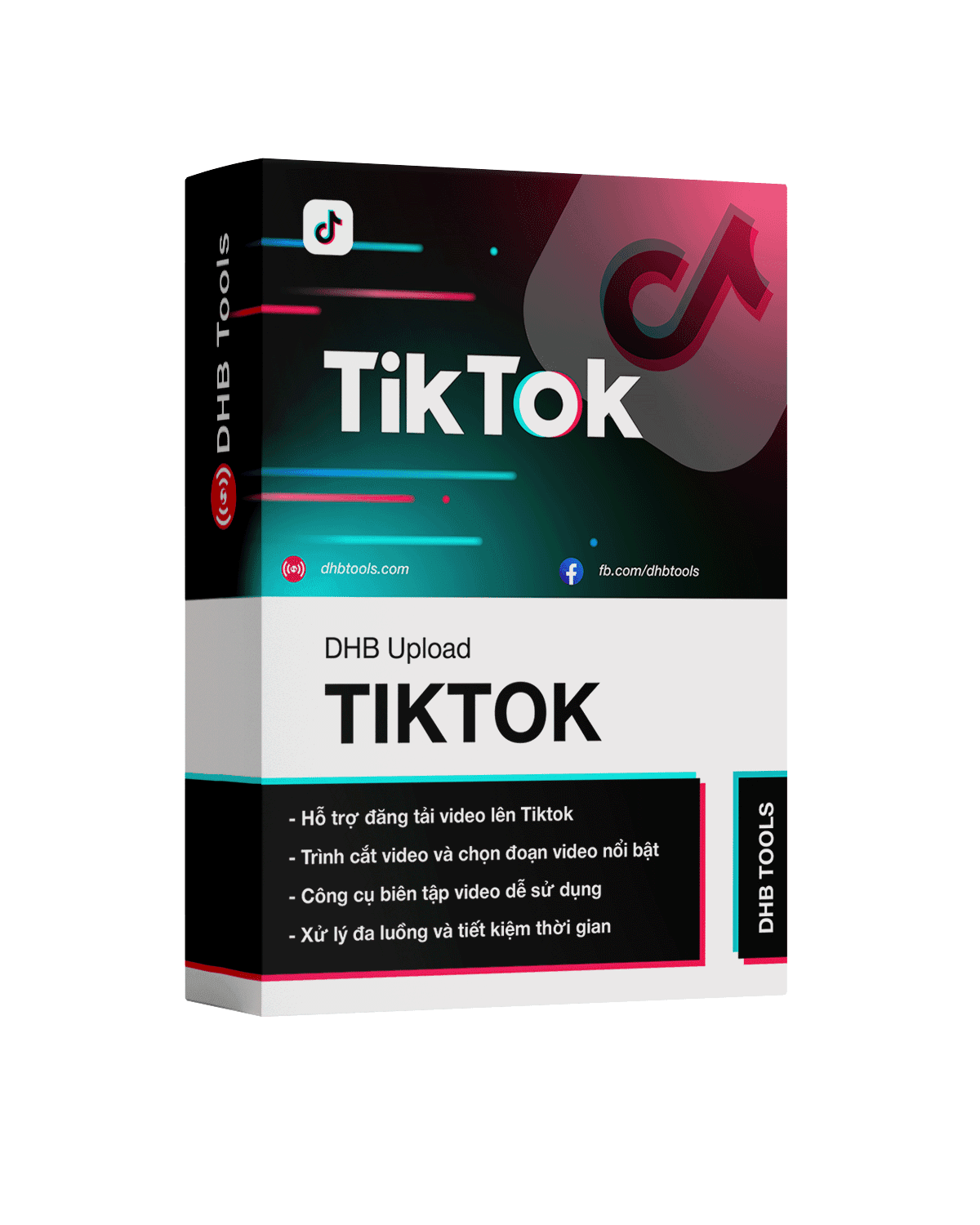 DHB Upload TikTokHelps you prepare videos, write captions and hashtags, schedule posts, and upload to TikTok.View details
Track and engage
See which channels are growing
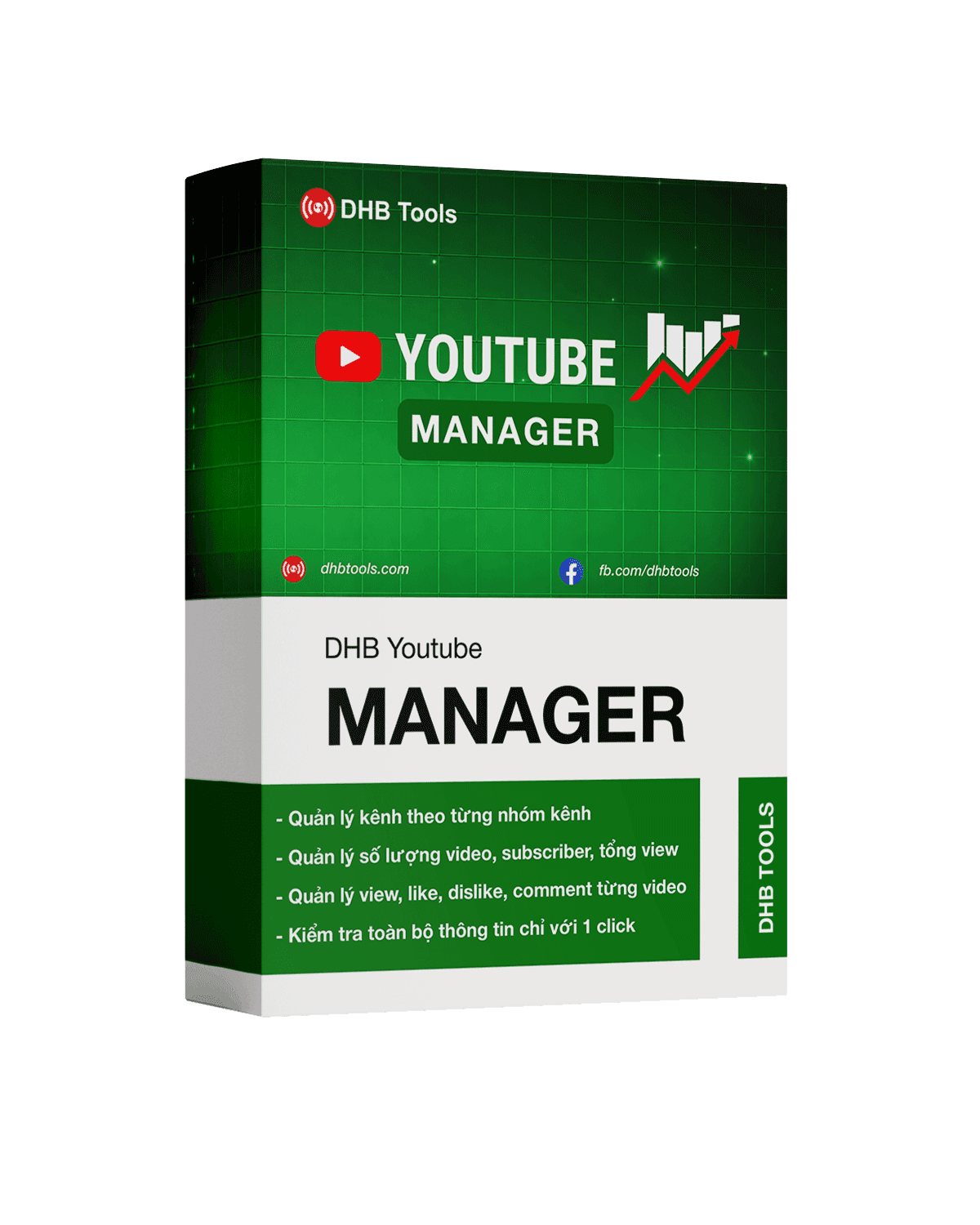 DHB Youtube ManagerPaste a list of channels and the app pulls subs, views, video counts and monetization status. Every check saves a snapshot, so after a few weeks you can see which channels are actually growing.View details
 DHB Comment FacebookBulk Facebook commenting across multiple accountsView details
Built so you can use it right away
Runs on your machine, your data stays with you
The software is installed on your own PC or VPS and works right there.
- Stored on your machine. Videos, channel accounts and cookies are kept on your computer.
- Not stored on our servers. Your channel data is not uploaded to DHB Tools servers.
- You are in control. Back up, move or delete your data whenever you decide.
Easy to use
A friendly interface that simplifies every workflow. Open it and you know where to click.
Everything in batches
Every task supports batch work: many videos, many channels, many accounts in one run.
Updated continuously
A public update history on every product page.
Step-by-step guides with screenshots
Guides captured from the real app. Follow along and it works.
Direct support
Chat on the website or call the hotline when you need a hand.
Frequently asked questions
What are the DHB Tools apps and who are they for?
The DHB Tools apps are a software suite for MMO operations — focused on automating multi-platform video uploads, multi-stream livestreaming, AI-powered batch rendering, and managing large numbers of social media channels/accounts. They fit:
- Content production teams working across many YouTube, Facebook, TikTok, Instagram, Threads, and Twitter channels at once.
- Individuals/agencies that need to upload large volumes of videos daily without handling each channel manually.
- Professional livestreamers who need multi-stream broadcasting with real-time FFmpeg rendering.
- Creators who need batch rendering from templates (intro/outro, auto subtitles, content translation).
What information is required to register a DHB Tools account?
Registration is simple — you only need an email. Set a password during sign-up, or receive a verification code by email if you choose passwordless login. After creating your account, you can add more details in your Profile:
- Display name and avatar.
- Address (if you need an invoice).
I forgot my password — how can I recover it?
There are 2 ways to regain access depending on your situation:
- Forgot password (still have your email): use the Forgot password feature on the login page, enter your registered email, and the system sends a verification code to your email to set a new password.
- Lost access to your registered email: use the live chat on the website with proof of ownership — a payment transaction for a previous order, or the Facebook account that previously messaged us. Our team will verify and transfer the license to a new email.
Which operating systems does DHB Tools run on?
All DHB Tools desktop products are optimized for Windows 10/11 64-bit. Recommended minimum specs:
- CPU: Intel Core i5 8th gen+ or AMD Ryzen 5.
- RAM: 8GB (16GB for DHB Render and DHB Stream Pro).
- Storage: 50GB free SSD.
- GPU (DHB Render only): NVIDIA GTX 1060 6GB+ to enable GPU acceleration.
- Network: 30Mbps+ upload for multi-stream streaming/uploading.
Not sure which software to pick?
Tell us what kind of channel you run and we will point you to the right software.
Chat with us now or contact our hotline