
DHB Upload Facebook v5.318
- Improved auto-delete of the source video after upload completes
Software for uploading posts to Facebook
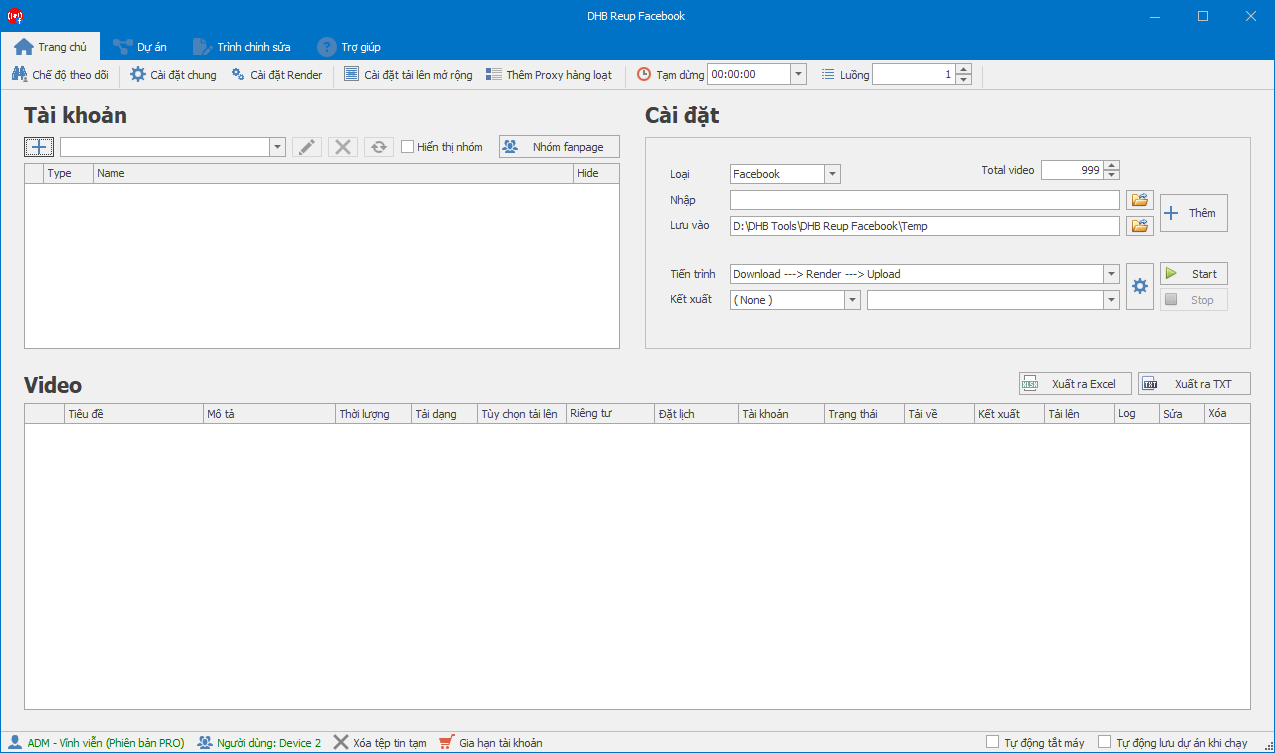
DHB Upload Facebook helps you manage Facebook content in a centralized dashboard — from preparing captions and media to scheduling posts and tracking processing status.

Manage videos, merge clips, edit information, schedule, and publish through a centralized workflow.
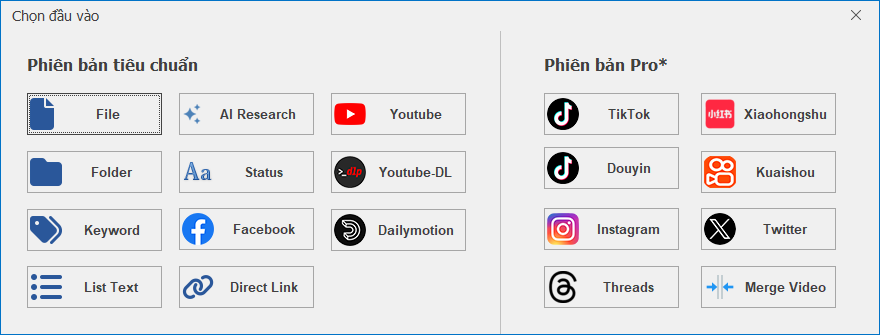
Import videos from your files, folders, or content library.
Organize and prepare your input videos with fast multi-thread importing.
Combine short clips into long-form videos.
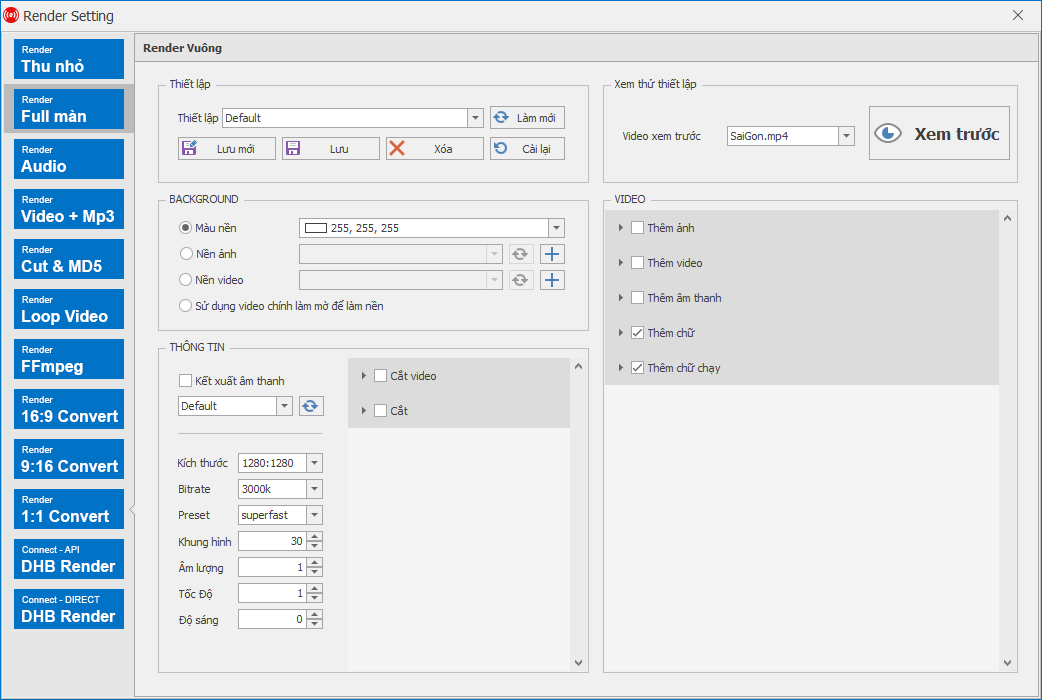
Overlay, intro/outro, audio replacement, and advanced rendering.
Optimize titles, descriptions, keywords, thumbnails, and posting schedules.
Post videos through Chrome/Firefox, with support for work sessions and connection configuration.
Check processing status, posting schedules, and results in a centralized dashboard.
Tính năng chung chỉ hiển thị một lần. Thẻ bên dưới tập trung vào thời hạn, giá và mức tiết kiệm.
| Features | Standard | Pro |
|---|---|---|
| 1. Content sources | ||
| Add videos from files, folders, or a prepared link list | ||
| Supports popular sources like YouTube, Facebook, and direct links | ||
| Import from advanced sources: TikTok, Douyin, Kuaishou, Instagram, Threads, Twitter/X, Xiaohongshu | ||
| 2. Prepare & render | ||
| Prepare titles, descriptions, keywords, and video metadata in bulk | ||
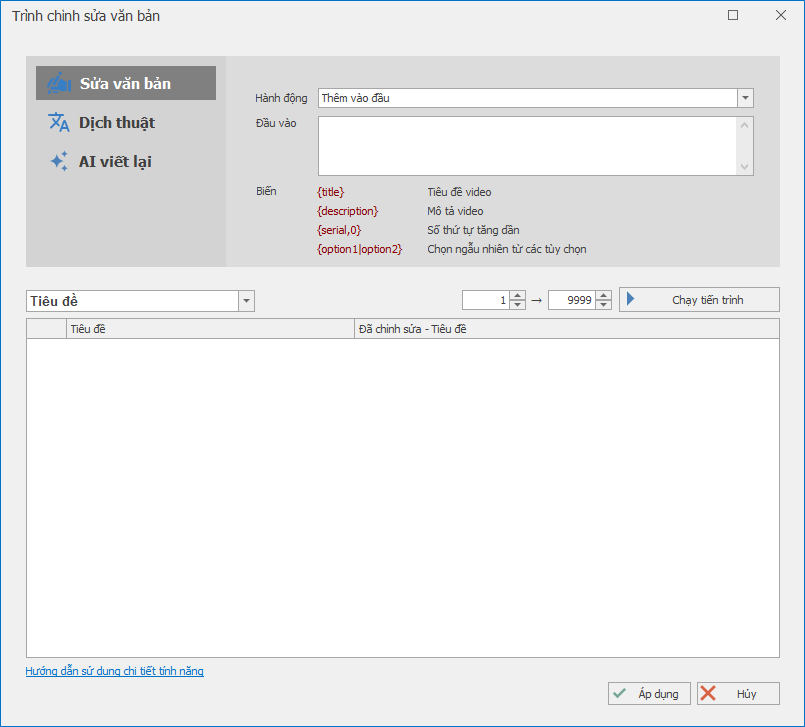
| Translate titles and descriptions, edit metadata from templates | ||
| Edit thumbnails, metadata, and status in one place | ||
| Render layered thumbnails, add intro/outro, and swap audio | ||
| Customize video processing with FFmpeg presets | ||
| Merge multiple videos (Merge Video) | ||
| 3. Publishing & scheduling | ||
| Organize content into lists for review before publishing | ||
| Manage channels via sessions, cookies, or browser profiles | ||
| Schedule batch publishing with balanced post timing | ||
| Pick visibility, start date, and publish config per list | ||
| 4. Monitoring & operations | ||
| Track processing progress in a centralized dashboard | ||
| Pause, debug, and resume the workflow when needed | ||
| Run reliably on a personal machine or a VPS | ||
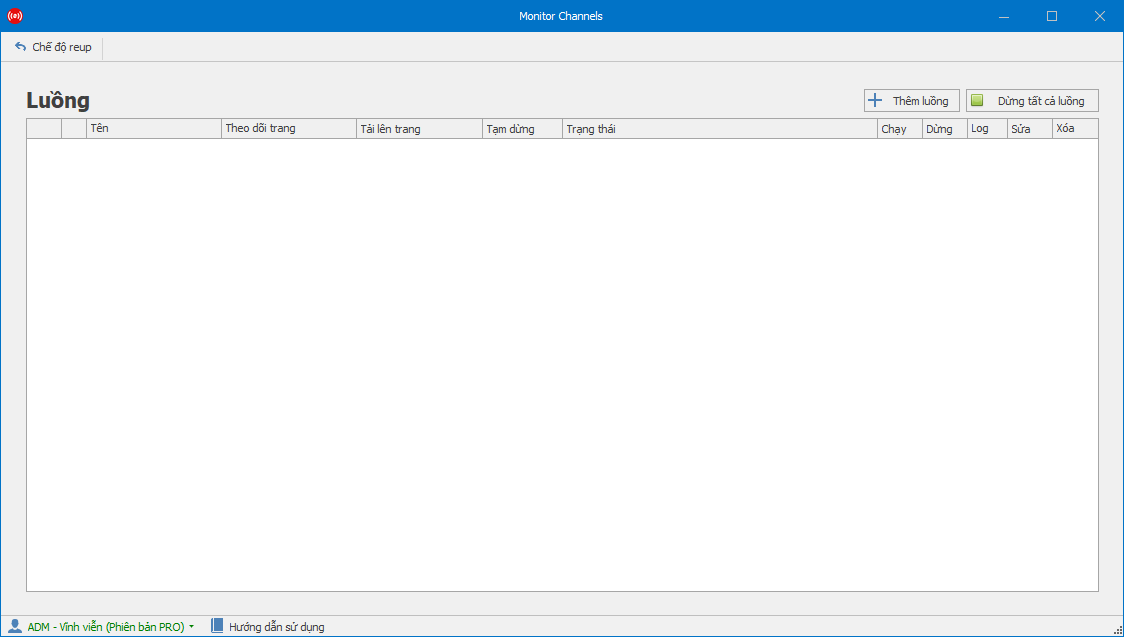
| Automatic source monitoring (Monitor) | ||
Các câu trả lời ngắn, rõ và tập trung vào những gì người dùng thường hỏi trước khi mua hoặc triển khai.
Xem thêm các phần mềm hỗ trợ render, upload, livestream và quản lý tài khoản của DHB Tools.

Helps you prepare videos, write metadata, schedule posts, and upload to YouTube.

Helps you prepare content, write captions, schedule posts, and publish to Instagram & Threads.

Helps you prepare videos, write captions and hashtags, schedule posts, and upload to TikTok.

Bình luận Facebook hàng loạt trên nhiều tài khoản

Paste a list of channels and the app pulls subs, views, video counts and monetization status. Every check saves a snapshot, so after a few weeks you can see which channels are actually growing.
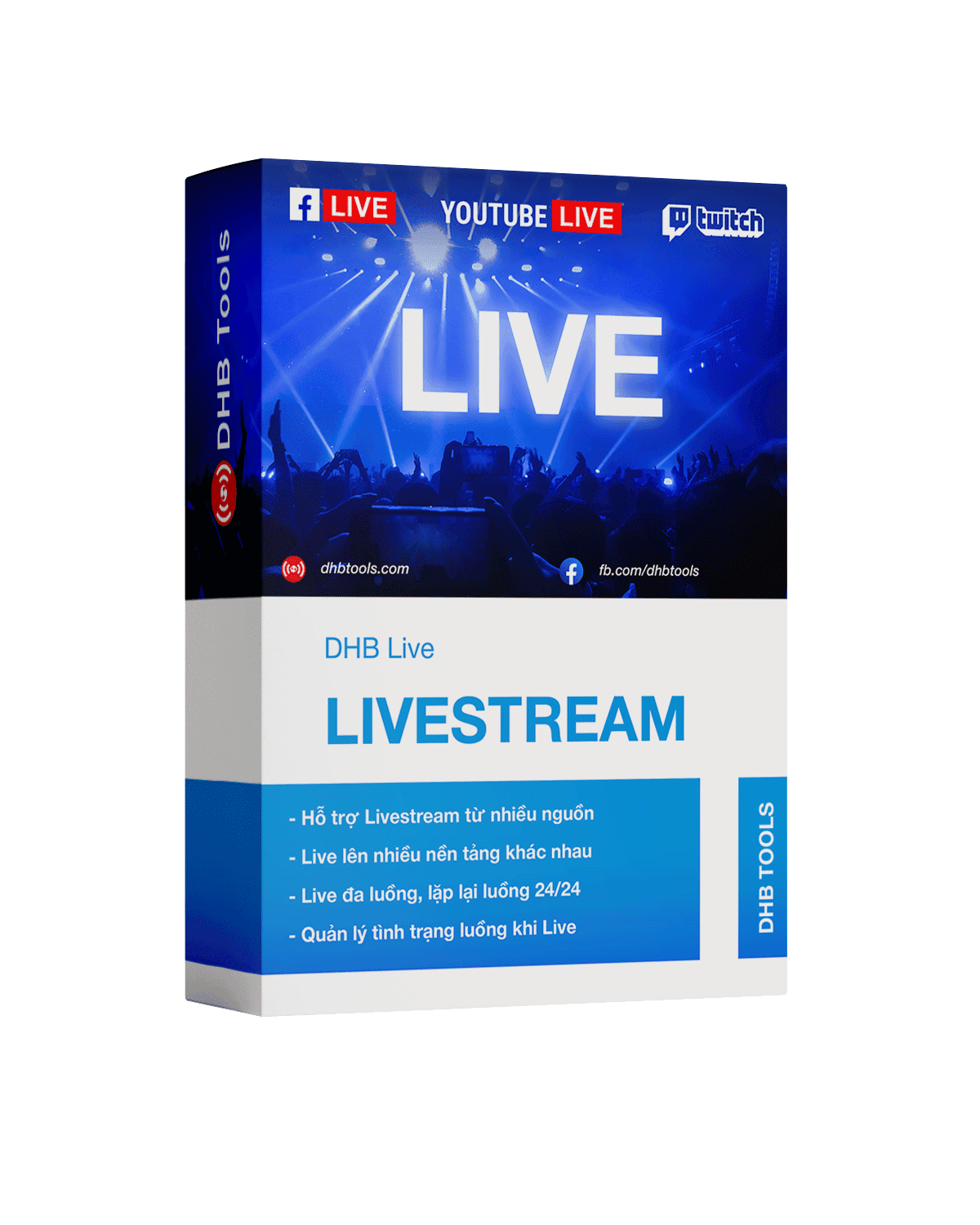
Run livestreams 24/7 across many channels — works on a VPS and is managed from one place on the web
Prepare content, post metadata, and publishing schedules in a clearer workflow.
Hotline and fanpage are always ready for fast support.