DHB Render v1.33
- Added OmniVoice voice support
- Added CoquiTTS support without Docker
- Simplified speech recognition with Whisper
- Added ElevenLabs voice support
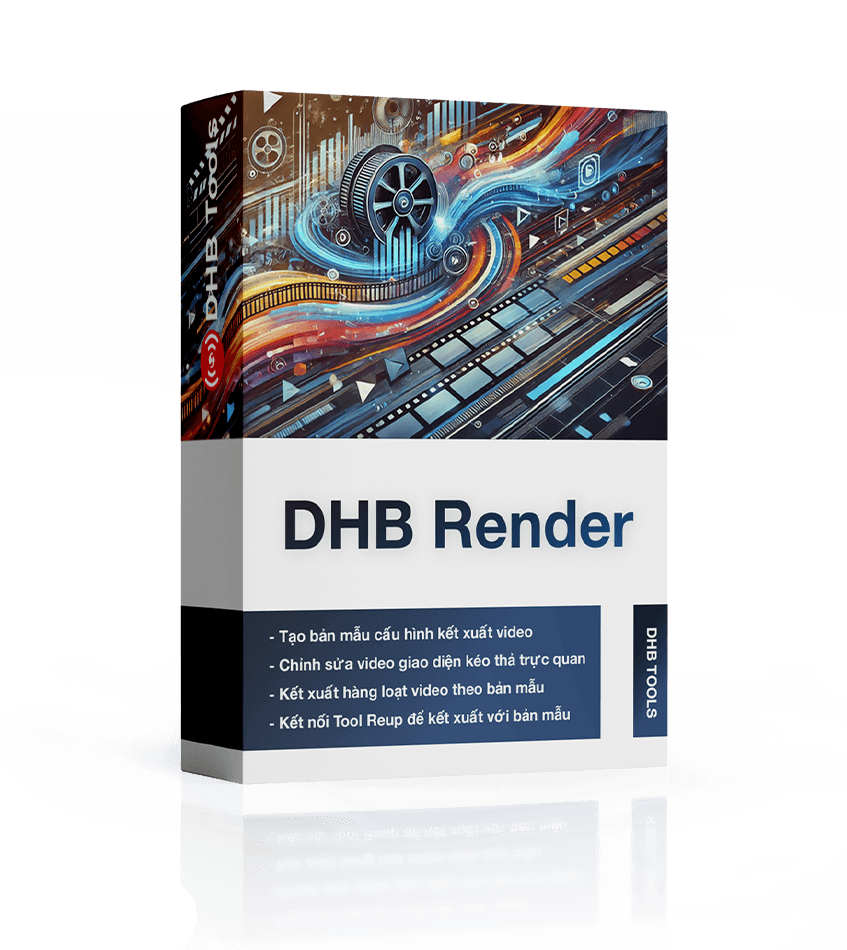
Bulk video rendering software powered by templates
From text script to finished video — DHB Render integrates AI subtitles across multiple models (OpenAI, Whisper), TTS across multiple providers (Viettel, FPT, Azure, Zalo AI), Nvidia GPU acceleration, and drag-and-drop templates. Export straight to DHB Upload and you're done.

Ingest sources, build from templates, add AI subtitles & voiceover, then batch-render — all in one app.
Import video from files/folders, merge parts, add images/music/text; pull from stock or generate with AI.
Whisper local, OpenAI, AssemblyAI, ElevenLabs — transcribe & segment.
12+ providers: OpenAI, Gemini, Claude, DeepSeek, local Ollama.
15+ cloud/local voices (FPT, Viettel, Vbee, Piper, Coqui) plus voice cloning.
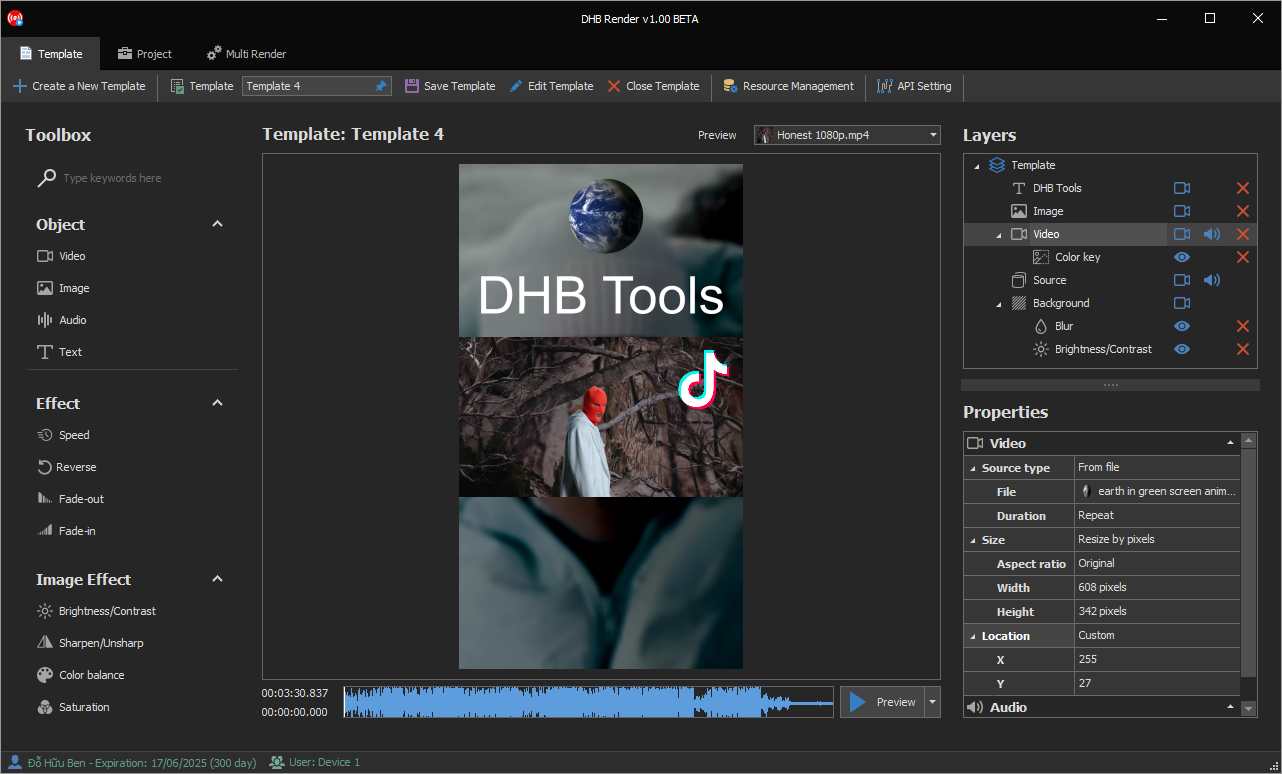
WYSIWYG builder, 25+ video & audio effects, real-time preview.
21 transitions; zoom/pan/shake motion in the Timeline builder.
Intro/outro, watermark, music; local template library + store.
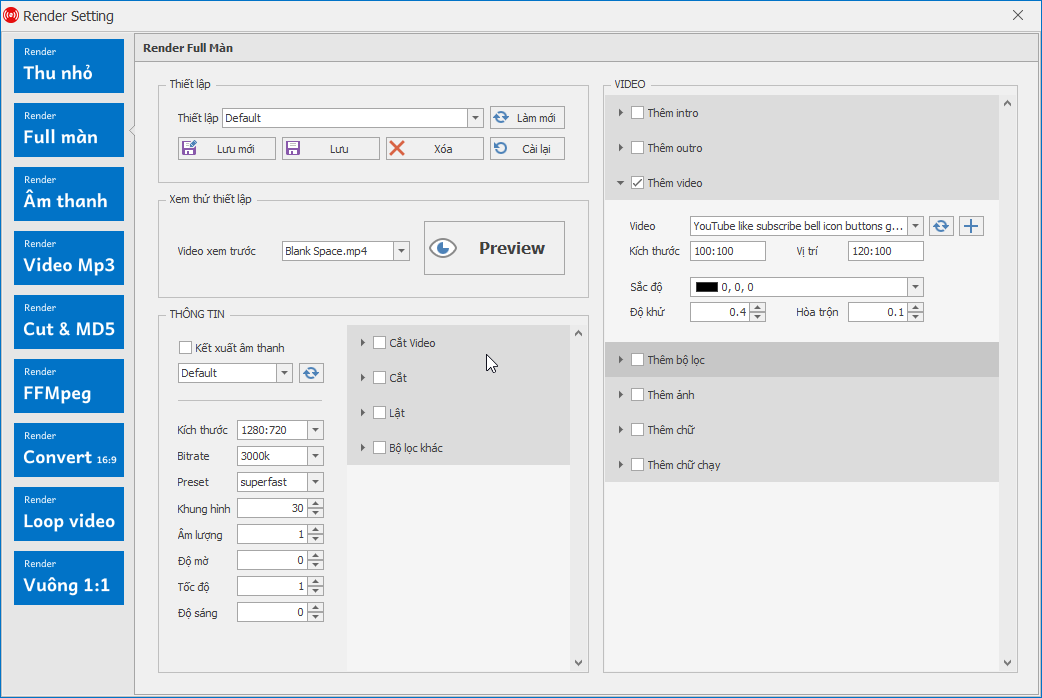
H.264/H.265 encoding with GPU acceleration; custom bitrate, FPS and resolution up to 4K.
Queue many videos & projects, batch-render, and connect DHB Upload to receive videos automatically.


Everything DHB Render can do — from importing sources to a video ready to publish.
Bring anything in — existing videos, images, music, or AI-generated material.
Set it up once, reuse it across hundreds of videos.
Hear it, translate it, and say it again in the voice you pick.
Queue it all up and let the machine run overnight.
Take Chinese or English videos, strip hardcoded subtitles, translate and dub into Vietnamese, then publish in bulk.
Bring a script, generate an AI voice-over, apply your template and ship videos consistently every day.
Multi-project queues, parallel processing, overnight runs and automatic hand-off to DHB Upload.
Source video stuck with burned-in subtitles? AI wipes the subtitle area and hands back a clean frame so you can layer new Vietnamese subtitles and voice on top.
Mark one region or several, automatically or by hand.
Check the result inside the app before committing a whole batch.
Drag the slider to compare the very same frame.
BEFOREAFTERProvide one audio sample and generate that voice across the whole video — your own voice, or a signature channel voice.
The app separates each speaker in a conversation and assigns a distinct voice. Great for films and podcasts.
Whisper, Ollama, Piper, Coqui and OmniVoice all run locally, so volume work never turns into an API bill.
Edit text and timing, preview each line, swap voices, adjust speed, split on punctuation, import SRT. Autosave and crash recovery included.
Need just the voice-over without rendering a video? Paste a script, pick a provider and voice, preview, then export the audio. State survives an app restart.
Common features show once. Cards below focus on duration, price and savings.
| Features | Included |
|---|---|
| 1. Sources & content | |
| Import video from files, folders or merge multiple parts | |
| Add images, background music, text and titles | |
| Search & download stock images/videos from Pexels, Pixabay, Openverse | |
| Generate images & videos with AI (OpenAI, Gemini, Stability, Runway, Kling…) | |
| AI topic research & content suggestions | |
| 2. Build from templates | |
| WYSIWYG template editor with real-time preview | |
| 25+ video effects (crop, blur, color, speed, border…) and audio effects | |
| 21 transitions; zoom/pan/shake motion in the Timeline builder | |
| Intro/outro, watermark, background music | |
| Template library: save locally, download from store & server | |
| 3. AI subtitles, translation & voiceover | |
| Auto subtitles (STT): Whisper local, OpenAI, AssemblyAI, ElevenLabs… | |
| Subtitle translation with 12+ providers (OpenAI, Gemini, Claude, DeepSeek, local Ollama…) | |
| Text-to-speech with 15+ voices (OpenAI, FPT, Viettel, Vbee, local Piper/Coqui…) | |
| Voice cloning & voice design (OmniVoice, CoquiTTS) | |
| Vocal/music separation, AI subtitle resegmentation, speaker diarization | |
| 4. Rendering & encoding | |
| Render with FFmpeg, GPU acceleration NVENC (NVIDIA) | |
| Custom codec (H.264/H.265), bitrate, FPS and resolution up to 4K | |
| Trim, merge, resize, change speed, normalize loudness & mix audio | |
| 5. Batch rendering & operations | |
| Batch-render many videos & projects via a queue | |
| Save projects (.dhb), auto-save, manage presets & resources | |
| Progress dashboard, stop/resume, skip finished videos | |
| Connect DHB Upload (Socket.IO) to receive videos automatically | |
| Manage AI plugins: download Whisper, Piper, Coqui, Ollama models | |
| Runs on PC and VPS, multi-language, quick activation after payment | |
The 10 most recent releases of DHB Render.
Short, clear answers focused on what users usually ask before buying or deploying.
The DHB Tools suite covers the whole workflow: create & render content, multi-platform upload, livestream and multi-channel management.

Helps you prepare videos, write metadata, schedule posts, and upload to YouTube.

Helps you prepare videos, write captions, schedule posts, and publish to Facebook (Profile, Fanpage, Group, Reels).

Helps you prepare content, write captions, schedule posts, and publish to Instagram & Threads.

Helps you prepare videos, write captions and hashtags, schedule posts, and upload to TikTok.

Manage your YouTube channels, no login required, track growth, export to Excel.

Professional multi-stream livestreaming, real-time FFmpeg rendering, no device lock.
Hotline and fanpage are always ready for fast support.