
From version 1.30 onward, the software supports uploading from Threads sources. Below are the steps to add a Threads account to the software for uploading!
Case 1: If you are already logged in to your Instagram account in the software, you only need to add a new Threads account from the existing profile.

Select the account type as Threads -> choose the Instagram profile that was previously logged in, then click "Save".
Case 2: No existing account and logging in with a new profile

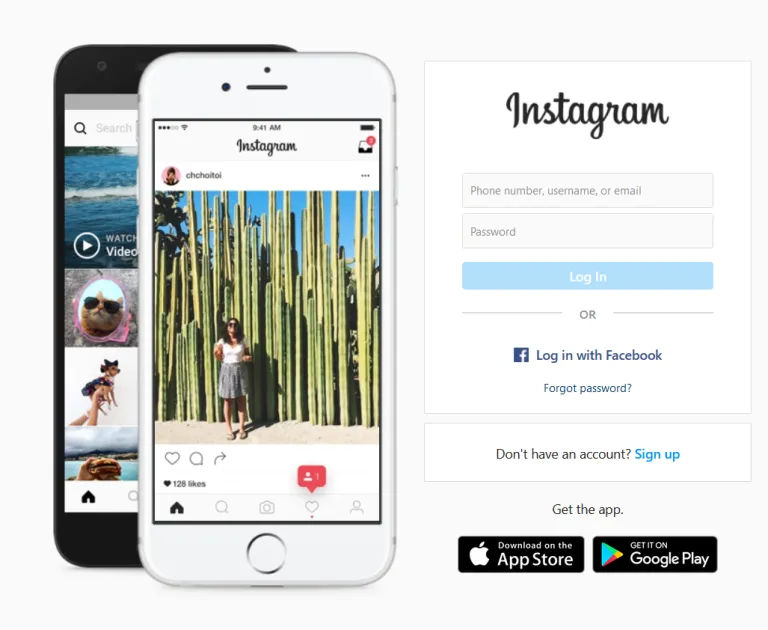
Once the login interface appears, please log in to your account!

After a successful login, the profile will appear here. Click "Save" to finish adding the Threads account.
That’s it — you have completed the steps to add a Threads account and can now upload posts!!!
If you have any questions, please contact us through our website & fanpage
https://dhbtools.com/
http://m.me/dhbtools
https://www.facebook.com/dhbtools