
DHB Upload Twitter v1.17
- Improved source-video processing
Software for uploading content to X/Twitter
DHB Upload Twitter helps you manage short-form content, media, captions, schedules, and publishing status in a centralized dashboard.
Common features show once. Cards below focus on duration, price and savings.
| Features | Standard | Pro |
|---|---|---|
| 1. Content sources | ||
| Add videos from files, folders, or a prepared link list | ||
| Supports popular sources like YouTube, Facebook, and direct links | ||
| Import from advanced sources: TikTok, Douyin, Ixigua, Kuaishou, BiliBili, Instagram | ||
| 2. Prepare & render | ||
| Prepare titles, descriptions, keywords, and video metadata in bulk | ||
| Translate titles and descriptions, edit metadata from templates | ||
| Edit thumbnails, metadata, and status in one place | ||
| Render layered thumbnails, add intro/outro, and swap audio | ||
| Customize video processing with FFmpeg presets | ||
| 3. Publishing & scheduling | ||
| Organize content into lists for review before publishing | ||
| Manage channels via sessions, cookies, or browser profiles | ||
| Schedule batch publishing with balanced post timing | ||
| Pick visibility, start date, and publish config per list | ||
| 4. Monitoring & operations | ||
| Track processing progress in a centralized dashboard | ||
| Pause, debug, and resume the workflow when needed | ||
| Run reliably on a personal machine or a VPS | ||
| Automatic source monitoring (Monitor) | ||
The 10 most recent releases of DHB Upload Twitter.
Short, clear answers focused on what users usually ask before buying or deploying.
The DHB Tools suite covers the whole workflow: create & render content, multi-platform upload, livestream and multi-channel management.

Helps you prepare videos, write metadata, schedule posts, and upload to YouTube.

Helps you prepare videos, write captions, schedule posts, and publish to Facebook (Profile, Fanpage, Group, Reels).

Helps you prepare content, write captions, schedule posts, and publish to Instagram & Threads.
Helps you prepare videos, write captions and hashtags, schedule posts, and upload to TikTok.
Manage your YouTube channels, no login required, track growth, export to Excel.
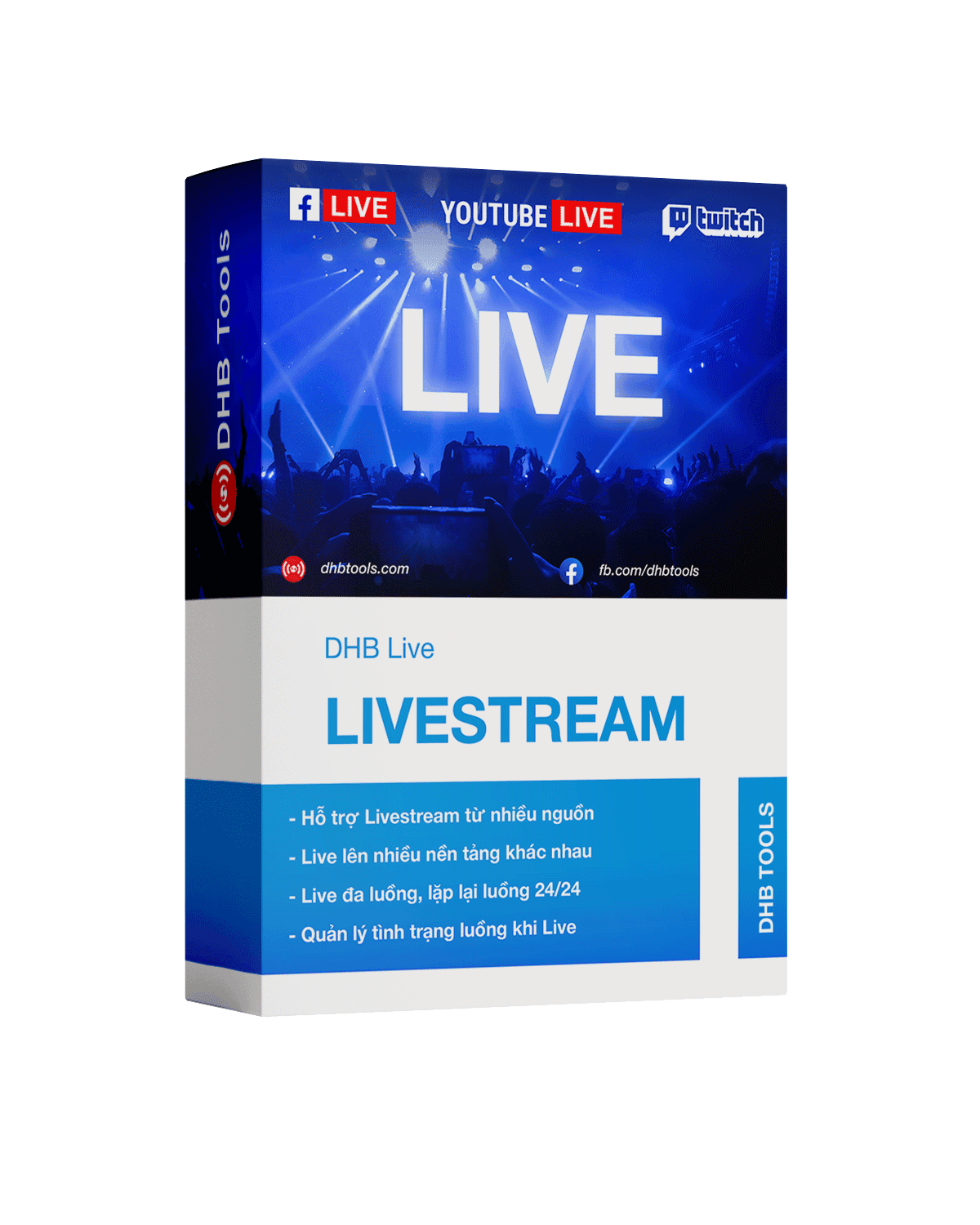
Professional multi-stream livestreaming, real-time FFmpeg rendering, no device lock.
Prepare content, post metadata, and publishing schedules in a clearer workflow.
Hotline and fanpage are always ready for fast support.